
Super AdminTenant AdminAgentEnd User
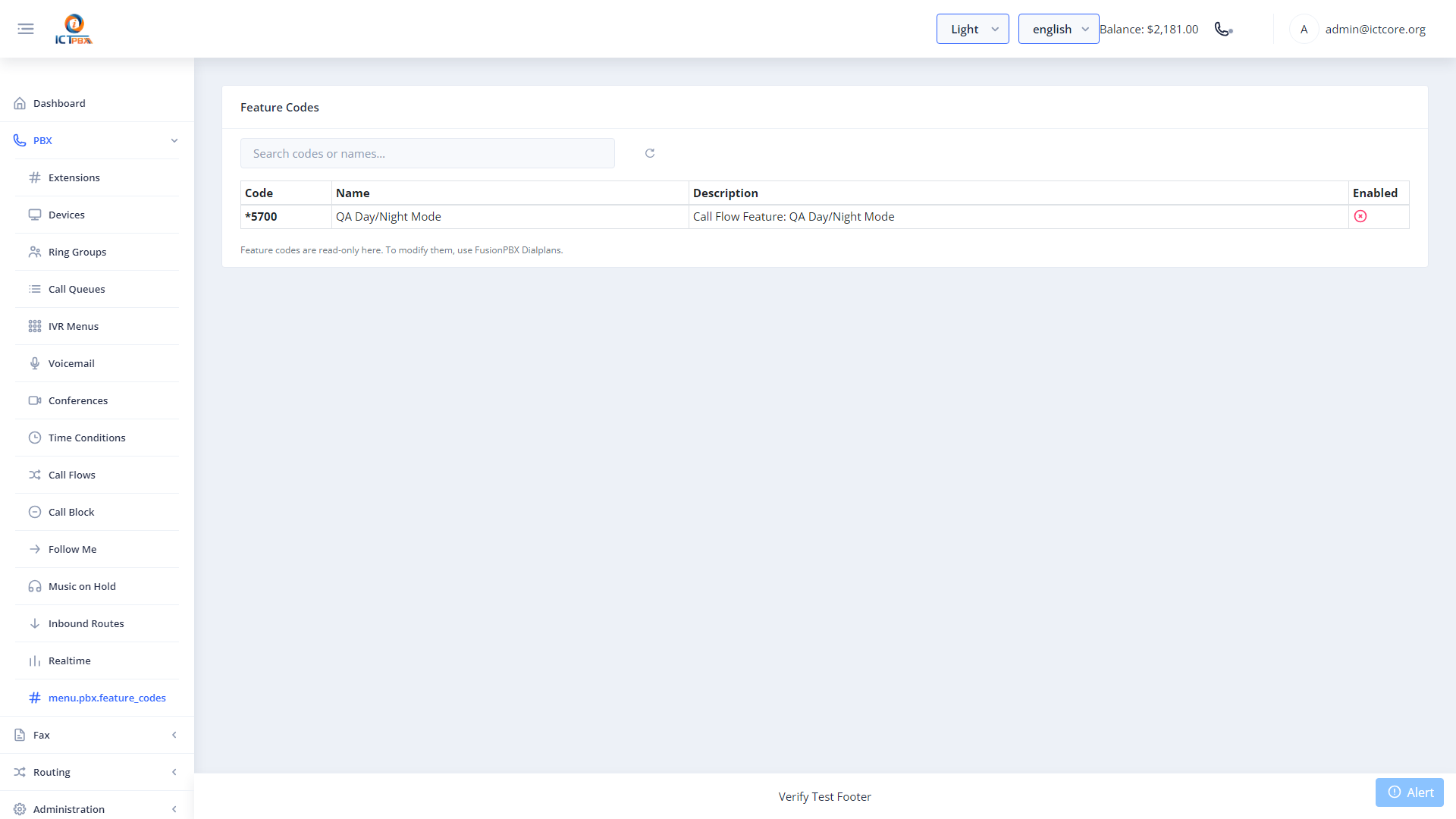
Feature codes are star-code shortcuts you dial from any extension to access FreeSWITCH features directly by phone – like checking voicemail, toggling Do Not Disturb, or recording a call. The Feature Codes page in the portal is a quick-reference guide to all codes available in your tenant.
Common Feature Codes
| Code | What It Does |
|---|---|
*98 |
Retrieve voicemail messages |
*1 |
Toggle call recording on/off for the current call |
*78 |
Enable Do Not Disturb |
*79 |
Disable Do Not Disturb |
*8 |
Pickup a ringing call in your group |
*72 |
Enable call forwarding |
*73 |
Disable call forwarding |
Feature codes are sourced directly from the live FusionPBX dialplan. The portal page reflects the actual codes active in your FreeSWITCH environment – if a code is listed here, it works.
Using Feature Codes
Dial the feature code from any registered SIP extension or desk phone. You’ll hear a confirmation tone or announcement when the action completes. Some codes (like *98 for voicemail) walk you through additional prompts.
Share the Feature Codes page URL with your agents and end users. It saves support calls when people can self-serve common tasks like voicemail retrieval.
Related Features
- Voicemail – set up voicemail boxes that *98 accesses
- Call Flows – some call flows can be toggled via feature code
- My Account – toggle DND from the portal instead of using a code