
Super AdminTenant Admin
Call flows handle time-of-day routing automatically. You define two destinations for a number – one for business hours (the “open” state) and one for after hours (the “closed” state) – and link a Time Condition to switch between them on schedule.
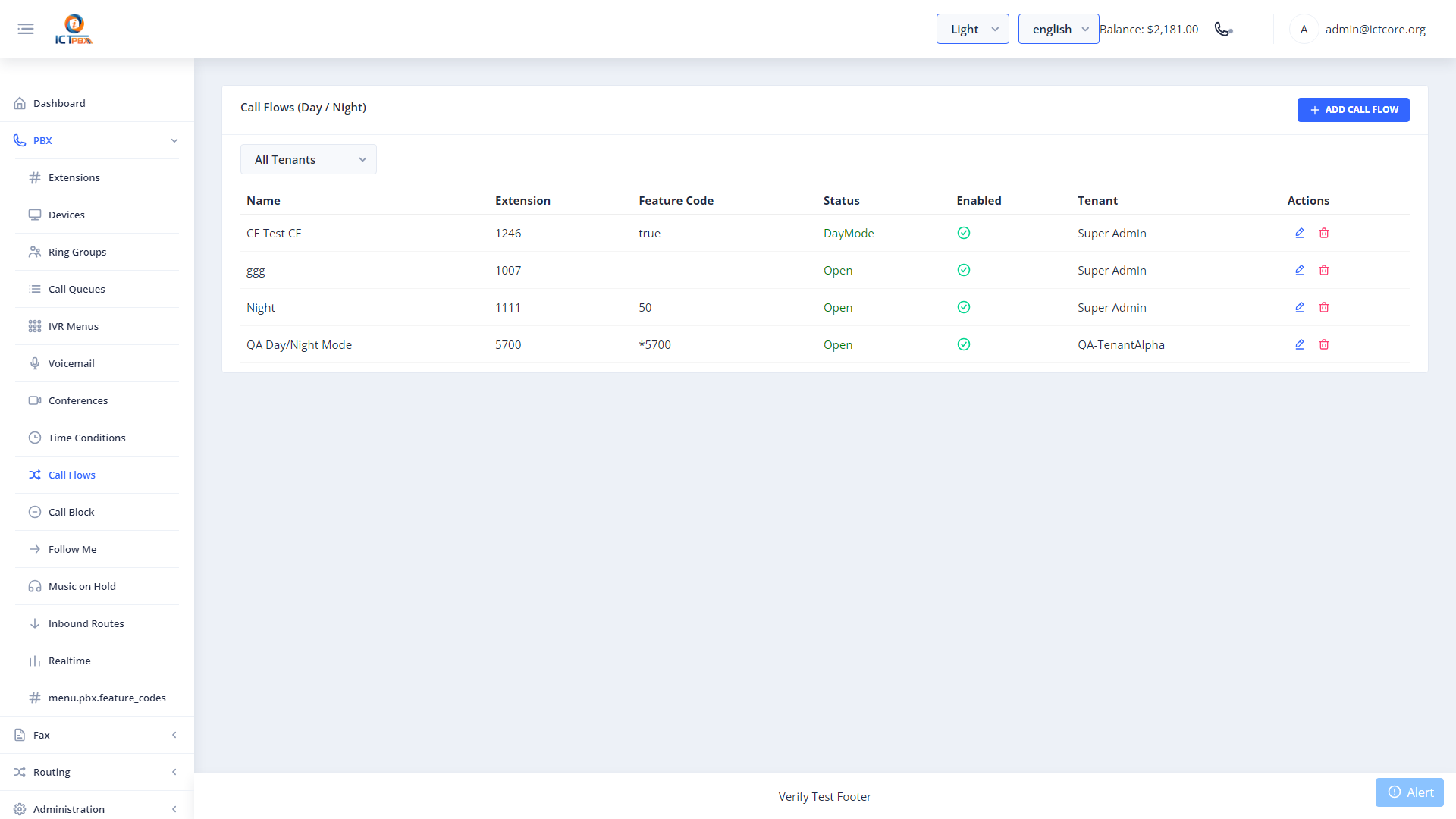
Creating a Call Flow
- Create a Time Condition first (the schedule that defines business hours)
- Go to PBX › Call Flows
- Click Add Call Flow
- Set a name and the extension number for this flow
- Link your Time Condition
- Set the Open destination (e.g. your main ring group or IVR menu)
- Set the Closed destination (e.g. voicemail or an after-hours message)
- Click Save
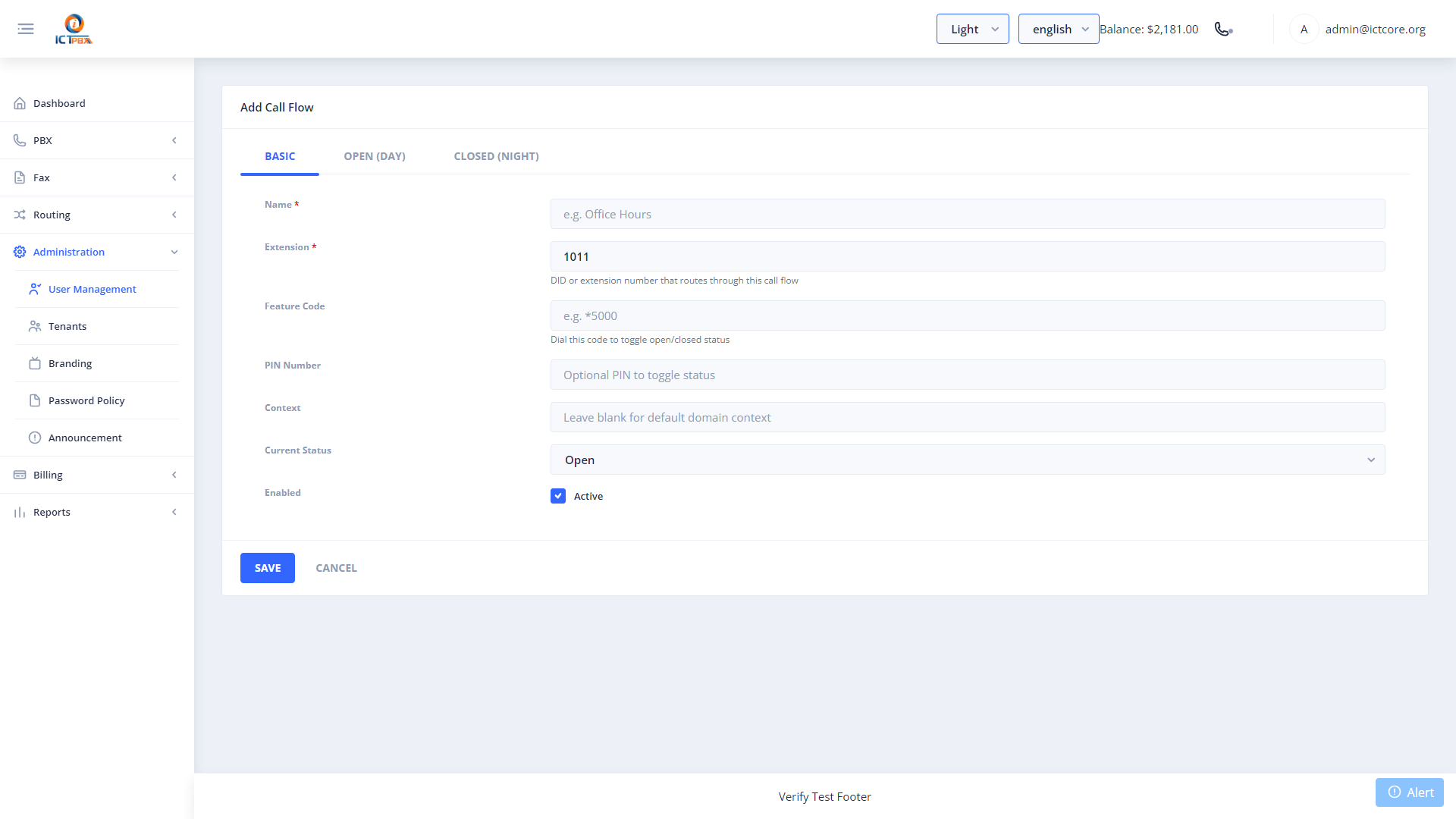
You can also toggle a call flow between open and closed states manually using a feature code. This is useful for unexpected closures like snow days.
Manual Override
Dial the call flow’s feature code from any extension to flip it between open and closed states without touching the portal. The system announces the current state when you dial the code.
Related Features
- Time Conditions – the schedule that drives this call flow
- Inbound Routes – point a DID at this call flow
- Feature Codes – find the code to manually toggle this flow