
Super Admin
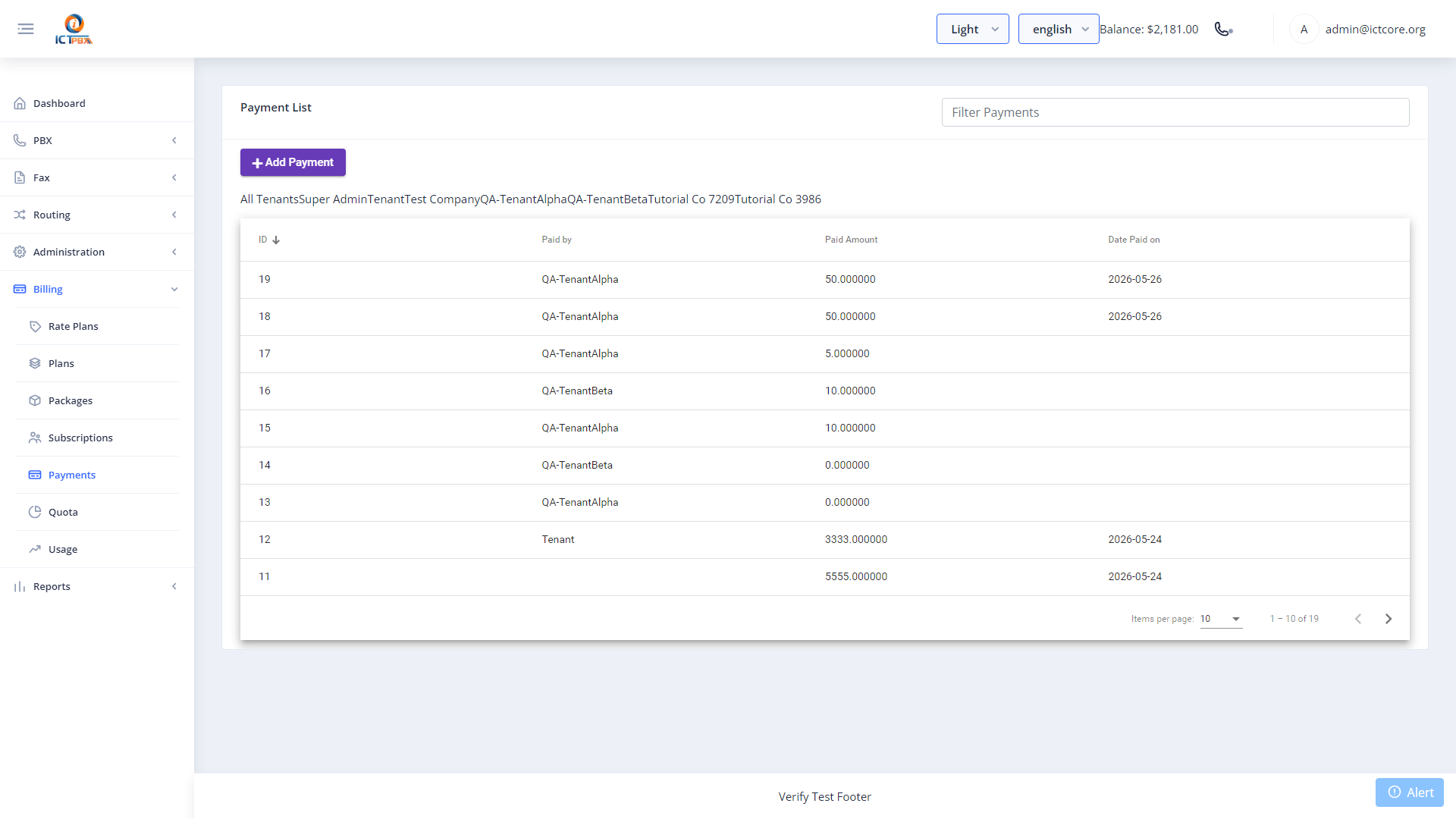
The Payments module is where you record credit top-ups against tenant balances. When a customer pays their invoice, you log it here and their credit balance updates immediately. Every payment is stored in a filterable history for financial audit and reconciliation.
Recording a Payment
- Go to Billing › Payments
- Click Add Payment
- Select the tenant
- Enter the amount
- Select the payment type: Online, Bank Transfer, Cash, or Other
- Set the payment date
- Add a description or reference number (optional)
- Click Save
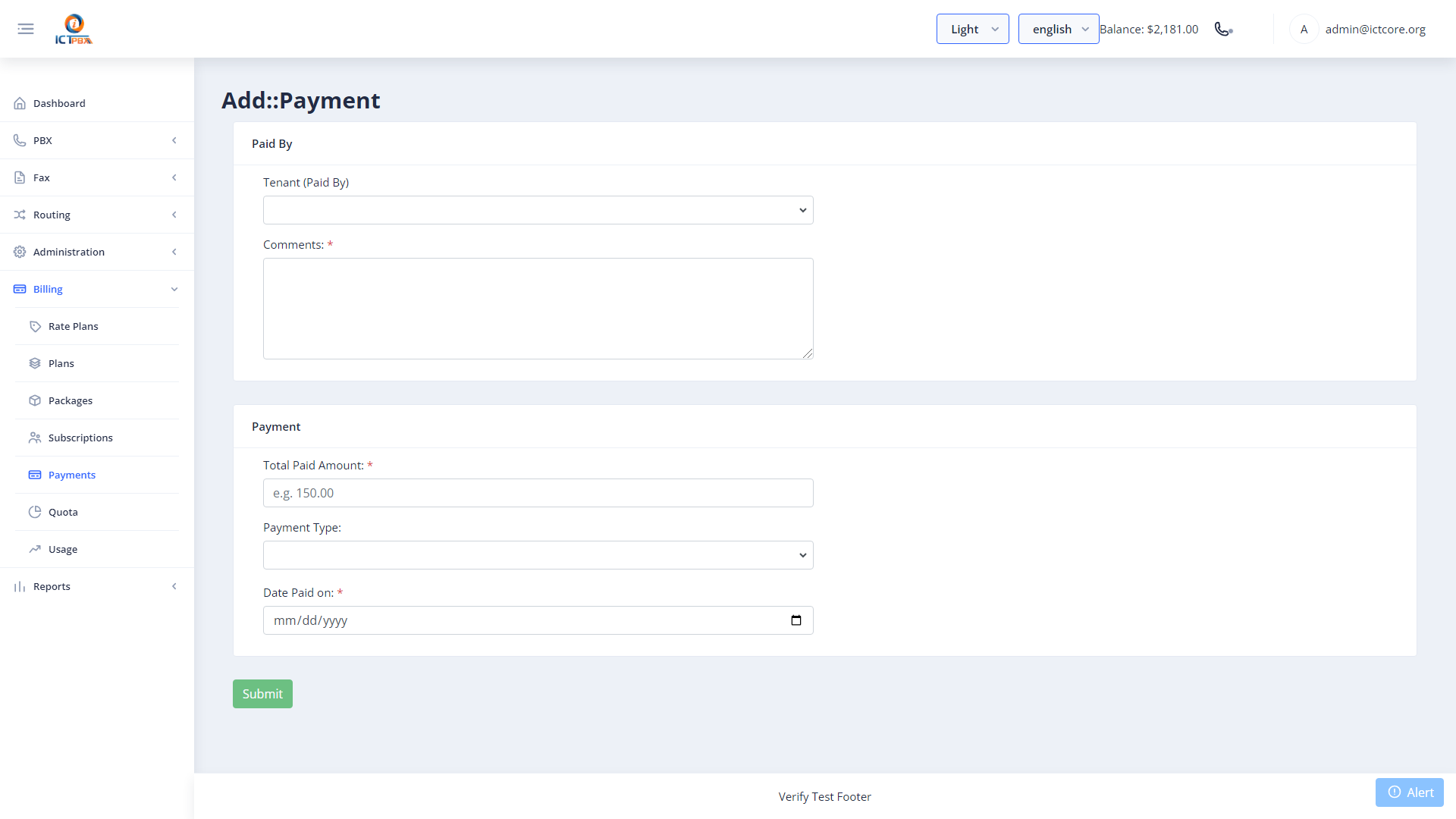
The tenant’s credit balance updates immediately after you save. The tenant can see their new balance in the portal header within 10 seconds (the balance widget polls every 10 seconds).
Add a reference number (invoice number, bank transfer ref) in the description field. It saves time when tenants query their account and you need to trace a specific payment.
Viewing Payment History
The payments list shows all recorded payments with date, amount, type, and description. Filter by tenant to pull up a complete payment history for a specific customer.
Related Features
- Billing Packages – the package defines what the tenant’s balance pays for
- Billing Subscriptions – assign or change the tenant’s service package
- Billing & Usage – tenants view their balance and quota here