
Super Admin
Service packages define the resource limits and usage quotas you offer to each business tier. You create packages here and then assign them to tenants via Subscriptions. A single ICTPBX installation can have as many packages as you need – Basic, Standard, Professional, Enterprise, or any custom tiers you design.
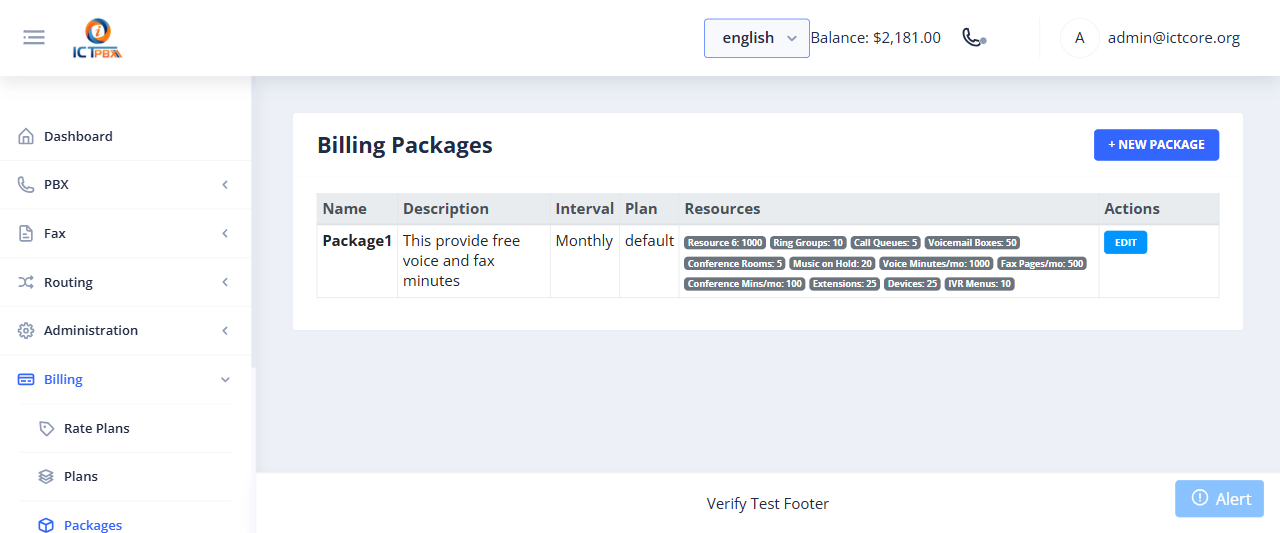
Creating a Package
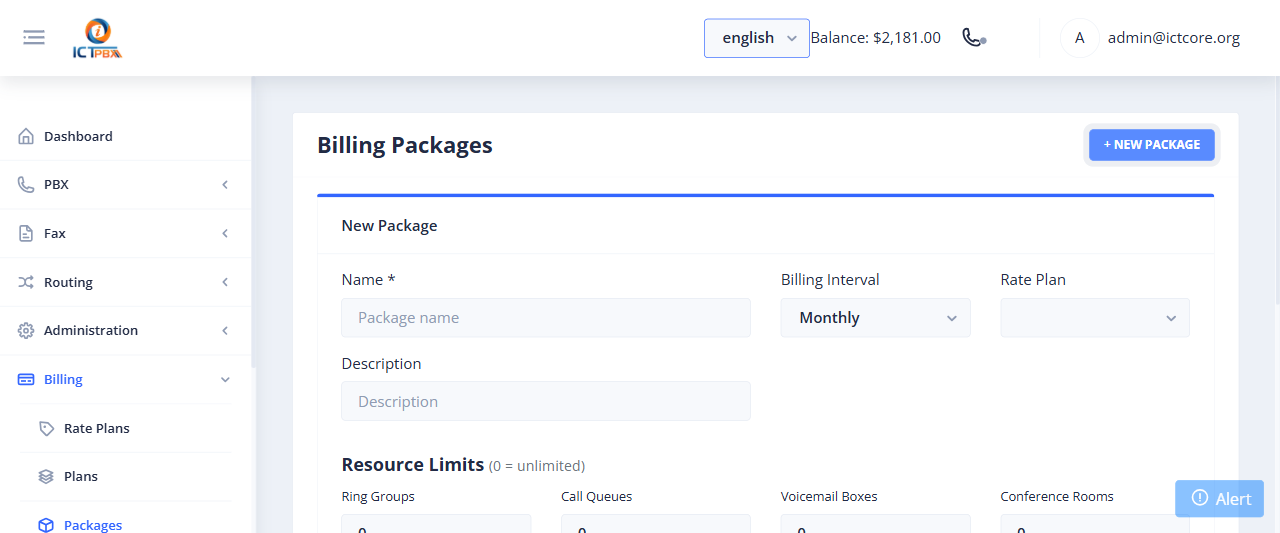
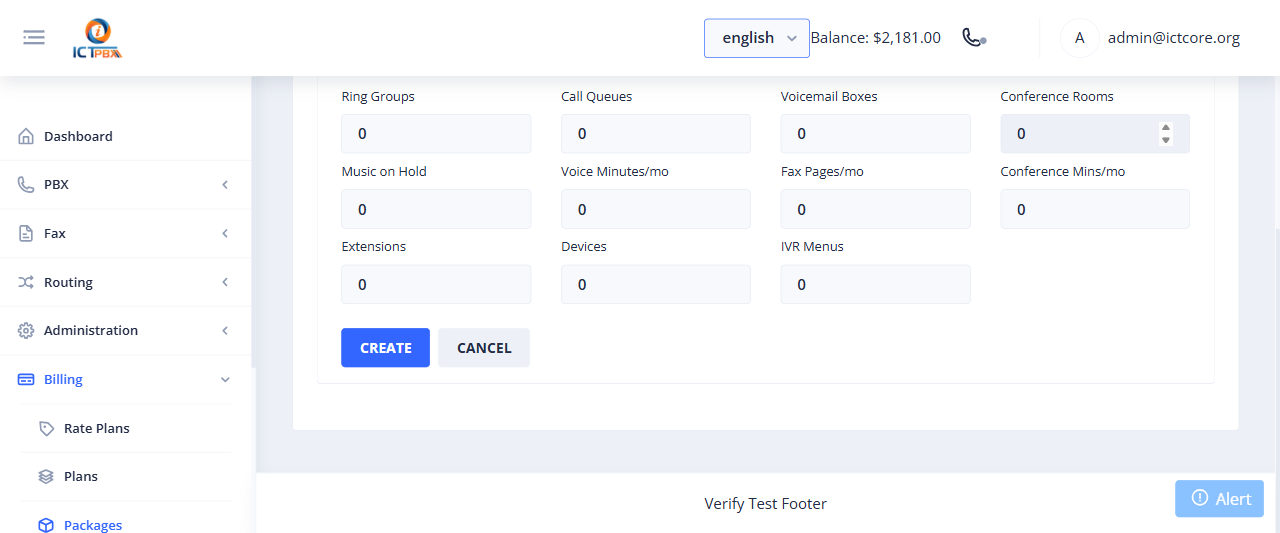
- Go to Billing › Packages
- Click Add Package
- Set the package name and description
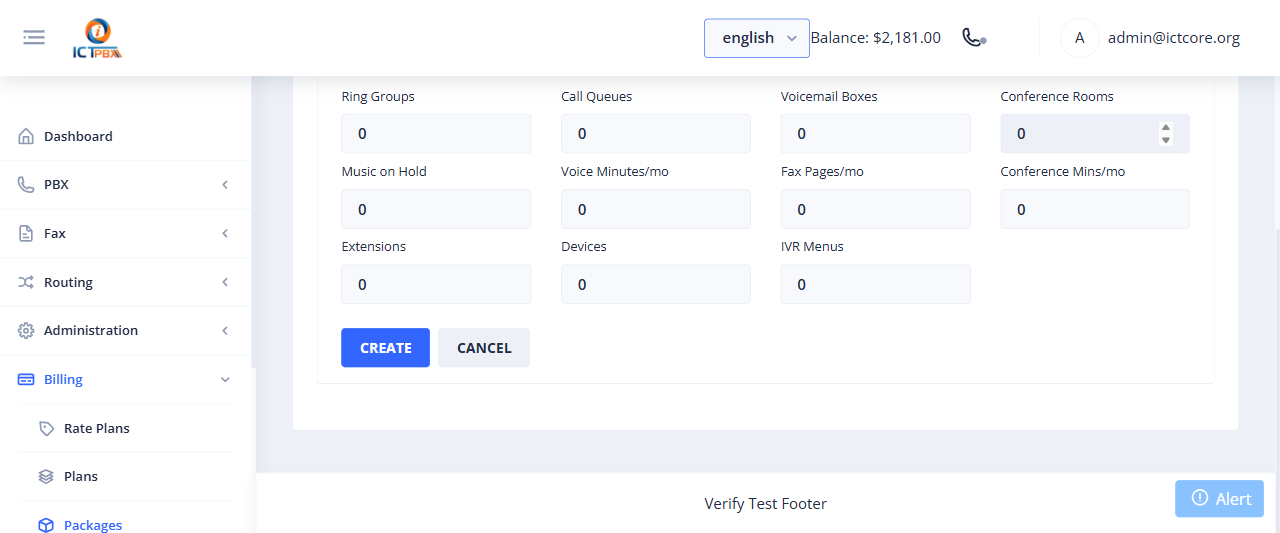
- Configure slot limits for each PBX resource type: extensions, devices, ring groups, call queues, voicemail boxes, IVR menus, conference rooms, music on hold slots
- Set the monthly free-tier allocations: voice minutes and fax pages included at no extra charge
- Set the monthly conference minutes included
- Link a Rate Plan for per-unit overage pricing
- Click Save
Rate Plans
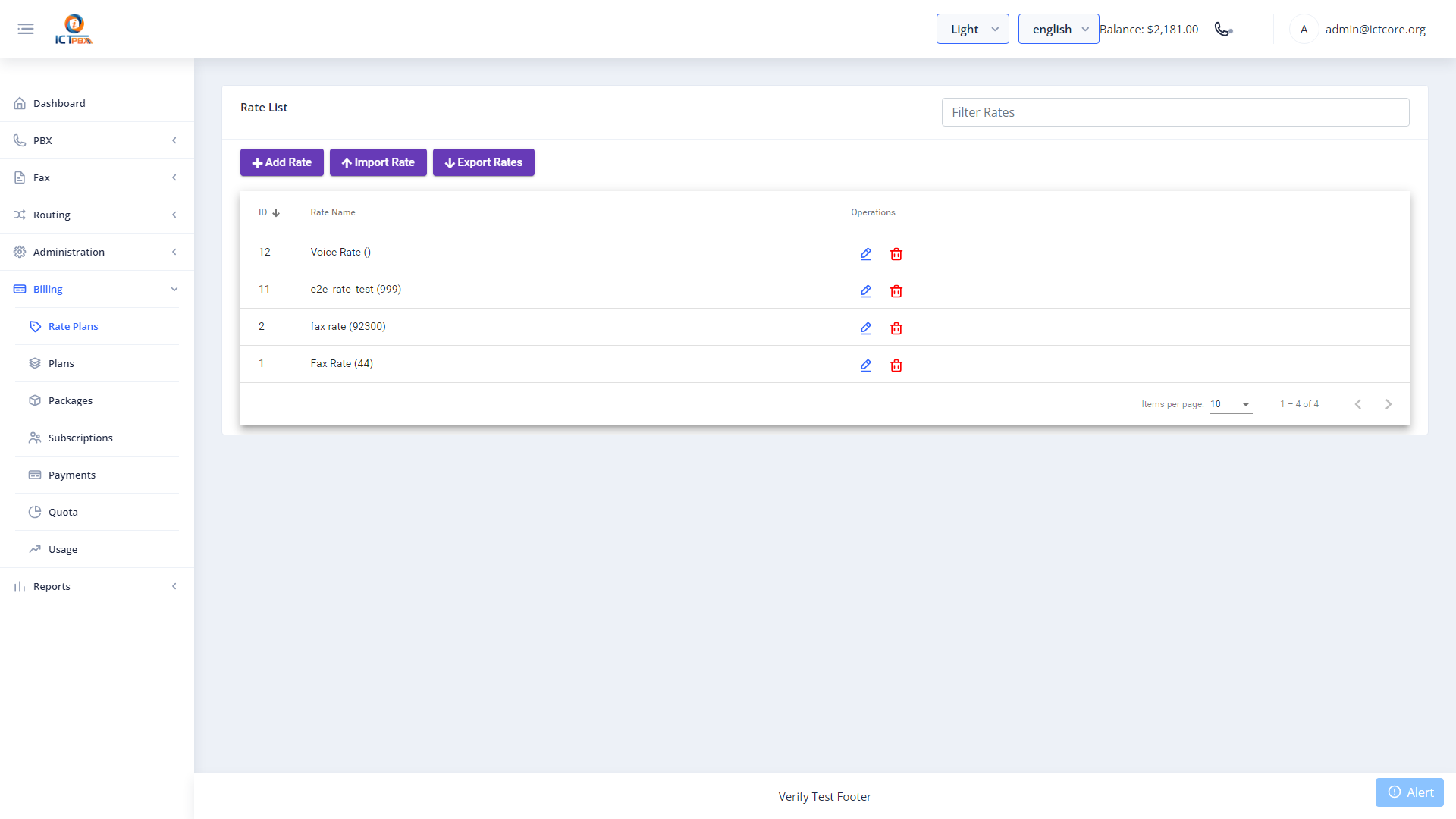
Rate plans define the per-unit pricing applied when a tenant exceeds their free-tier quota – the per-minute rate for voice calls and the per-page rate for fax transmissions. Go to Billing › Rate Plans to create and manage rate plans before setting up packages.
Keep package names meaningful from the tenant’s perspective (“Basic 10-User” vs “PKG-001”). Tenant Admins see their package name in the billing quota dashboard.
Related Features
- Billing Subscriptions – assign this package to a tenant
- Billing Payments – record credit top-ups for tenants
- Billing & Usage – what tenants see on their quota dashboard