
Super AdminTenant AdminAgentEnd User
ICTPBX receives inbound faxes through FreeSWITCH’s built-in T.38 and G.711 fax stack. When a fax call arrives on a fax-type extension, the system converts it to a PDF and delivers it to the email address configured for that extension – no separate fax server required.
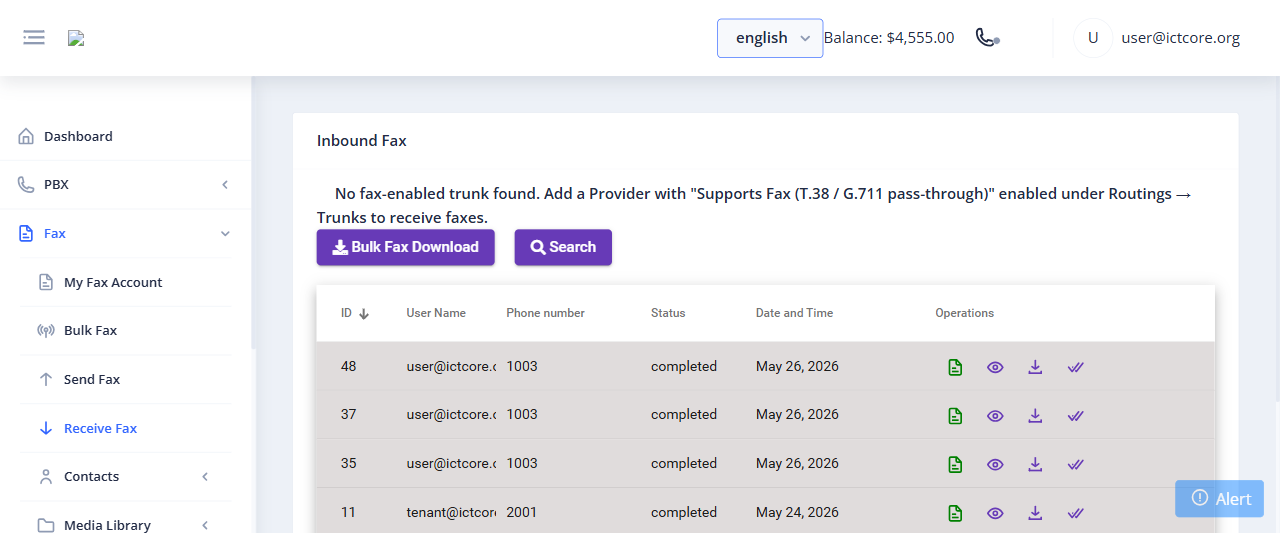
How Inbound Fax Works
- You (or your Tenant Admin) creates an extension with type set to Fax
- An Inbound Route points a DID phone number at that fax extension
- When someone sends a fax to that DID, FreeSWITCH answers and receives the fax data
- The system converts the received fax to a PDF document
- The PDF is emailed to the delivery address configured on the extension
- The transmission is logged in the portal with date, sender number, and page count
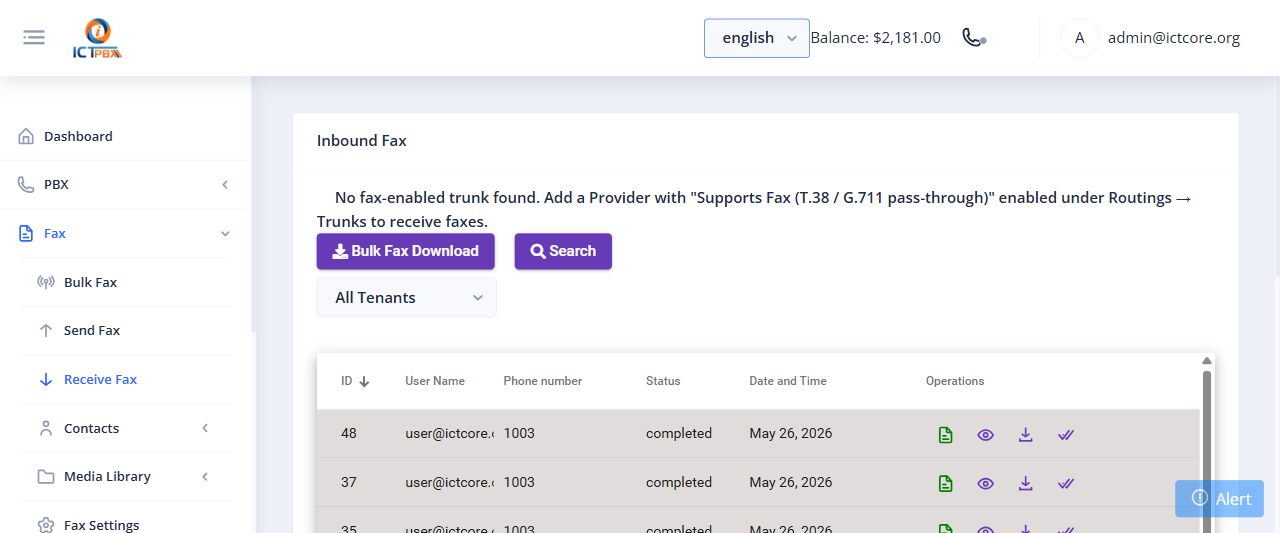
Viewing Your Received Faxes
Go to Fax › Received Faxes to see a searchable log of all inbound faxes. You can filter by date range and download any fax as a PDF directly from the portal.
You can update your fax delivery email address at any time from My Account without needing admin help. Changes take effect immediately for all subsequent faxes.
Setting Up Fax Delivery Email
- Log in and go to My Account
- Find the Fax Delivery Email section
- Enter the email address where you want to receive faxes
- Click Save
Related Features
- Outbound Fax – send faxes from the portal
- Fax Settings – configure ECM, retries, and fax header
- Extensions – set the extension type to Fax to enable inbound fax delivery