
Super AdminTenant AdminEnd User
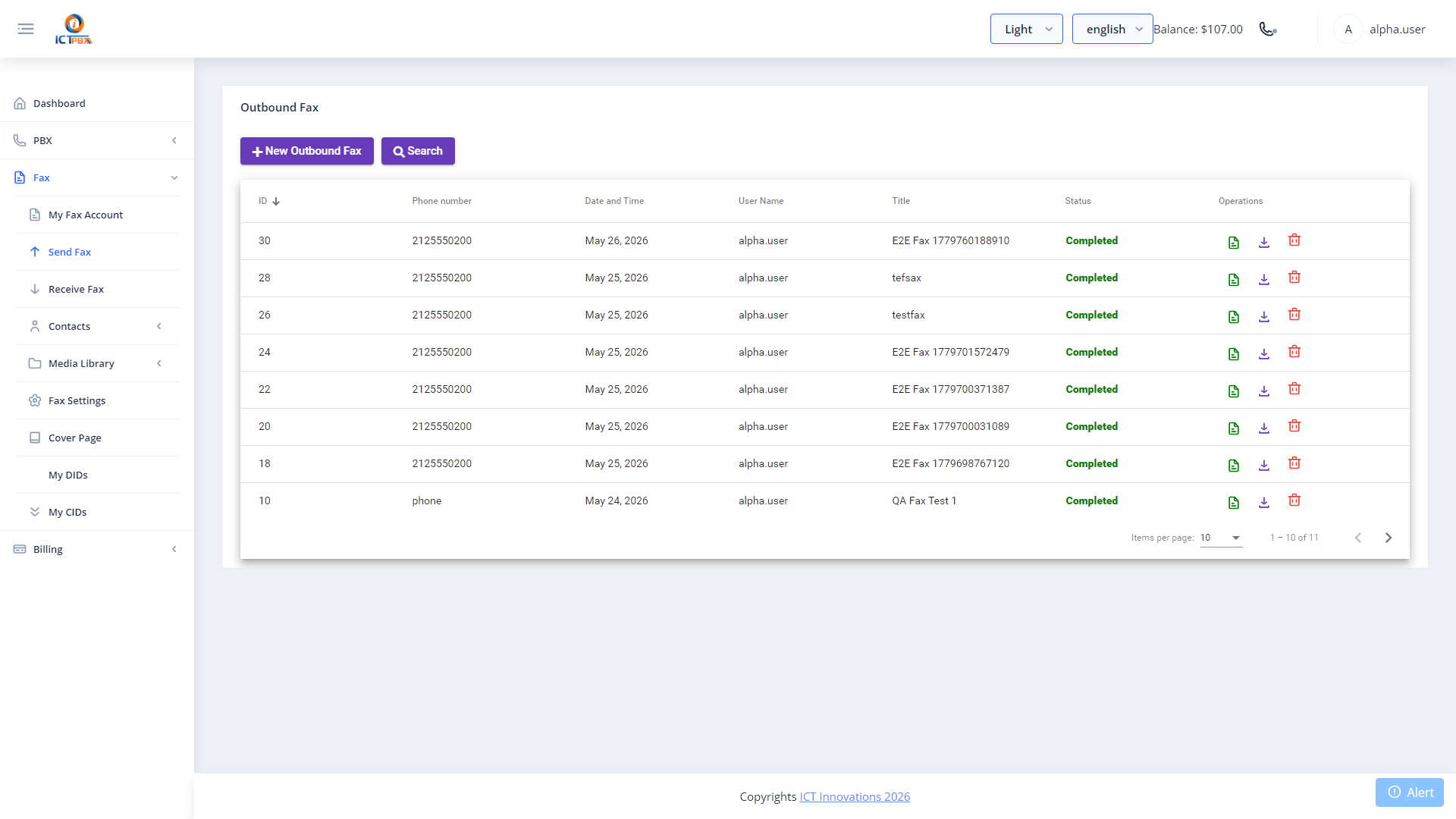
You can send faxes straight from the ICTPBX portal by uploading a document and picking the recipient. FreeSWITCH handles the T.38/G.711 transmission and the portal tracks the status. You don’t need separate fax software.
Sending a Fax
- Go to Fax › Send Fax and click New Outbound Fax
- Enter a Title for your own reference
- Upload the document (PDF, TIFF, an image or a Word file), or pick one from Fax Documents
- Choose the Caller ID from your own fax accounts, and choose a contact or enter the recipient’s number
- If you want, tick Retry, Send Cover page (then choose one with Select Cover Page) and Fax Header
- Click Send. The fax is queued and goes out in the background.
Tracking Transmission Status
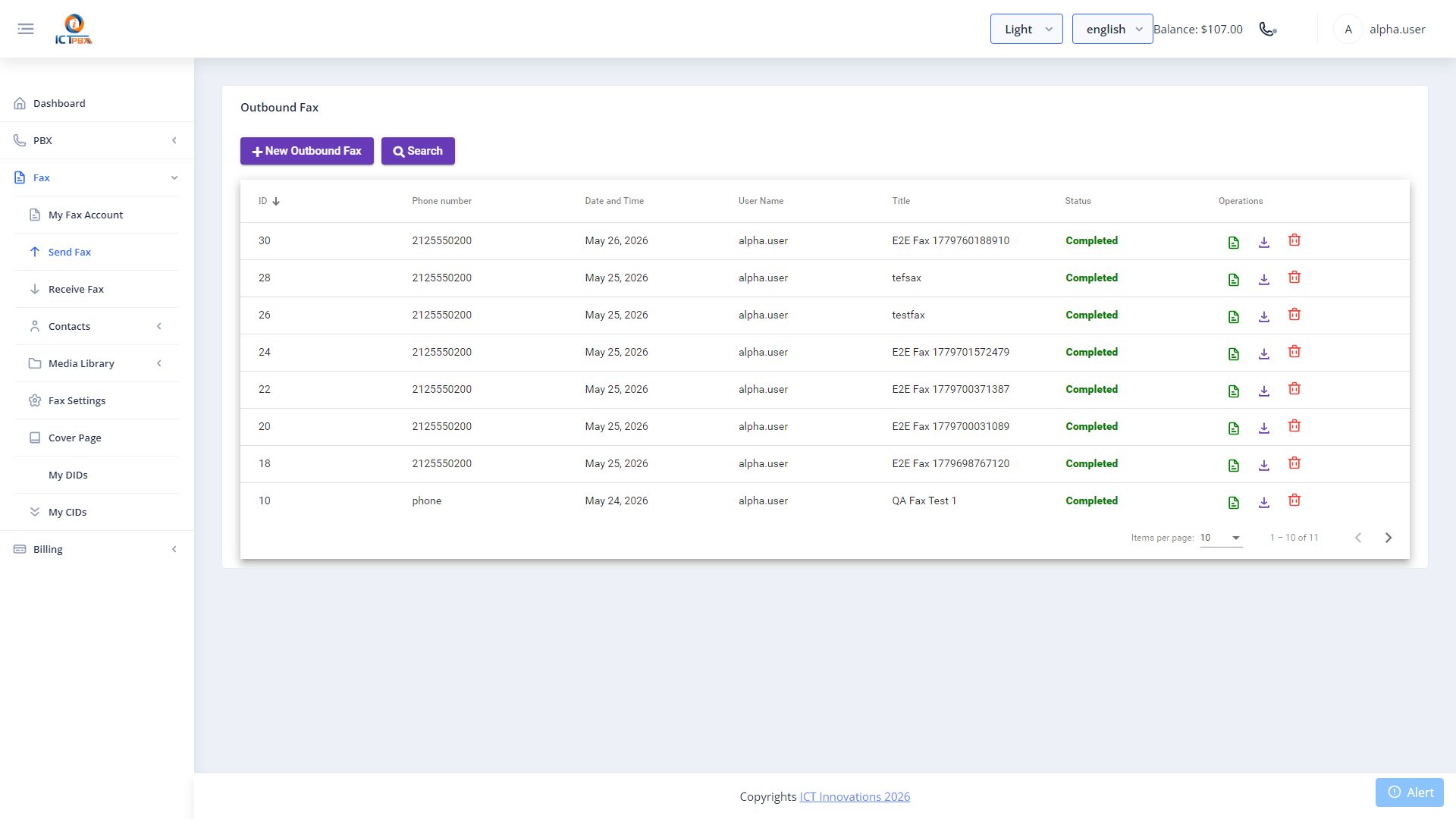
After you send it, the fax appears in the Send Fax list with one of these statuses:
- Processing – queued or being sent
- Completed – delivered successfully
- Failed – the transmission failed
Use the retry icon to resend a failed fax, or the download icon to get the document.
Each page counts toward the free fax pages your package includes each month. Pages beyond that are charged from your tenant’s credit at the fax rate (Service Provider Edition). Check your quota at Billing & Usage.
Related Features
- Fax Settings & Cover Pages – set your default cover page and retry interval, and build cover page templates
- Inbound Fax – receive faxes to your extension’s email address