
Super AdminTenant Admin
Ring groups let you ring multiple extensions at the same time or in sequence when a specific number is dialed. They’re the quickest way to set up simple call distribution without a full call queue – great for small teams.
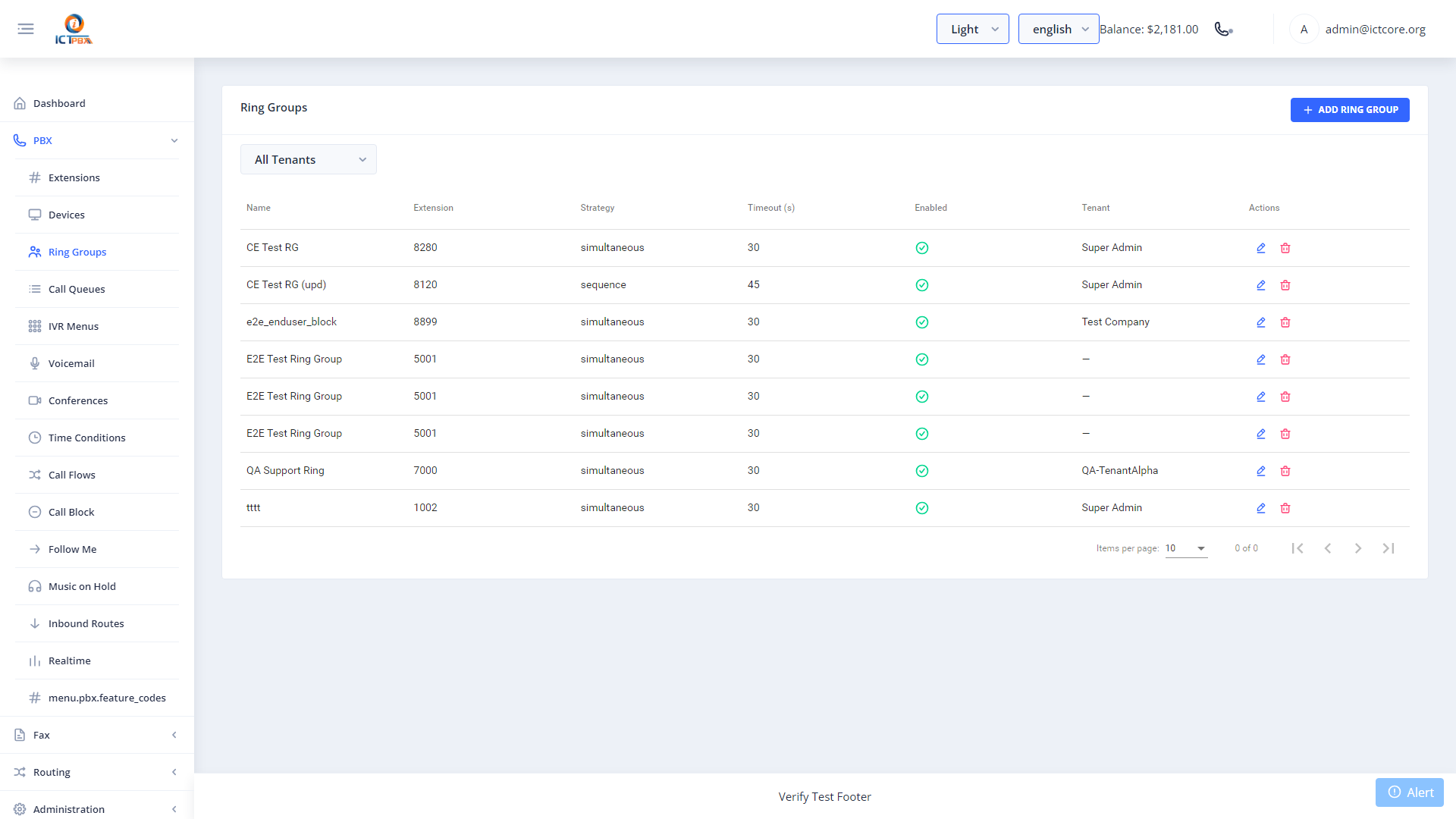
Creating a Ring Group
- Go to PBX › Ring Groups
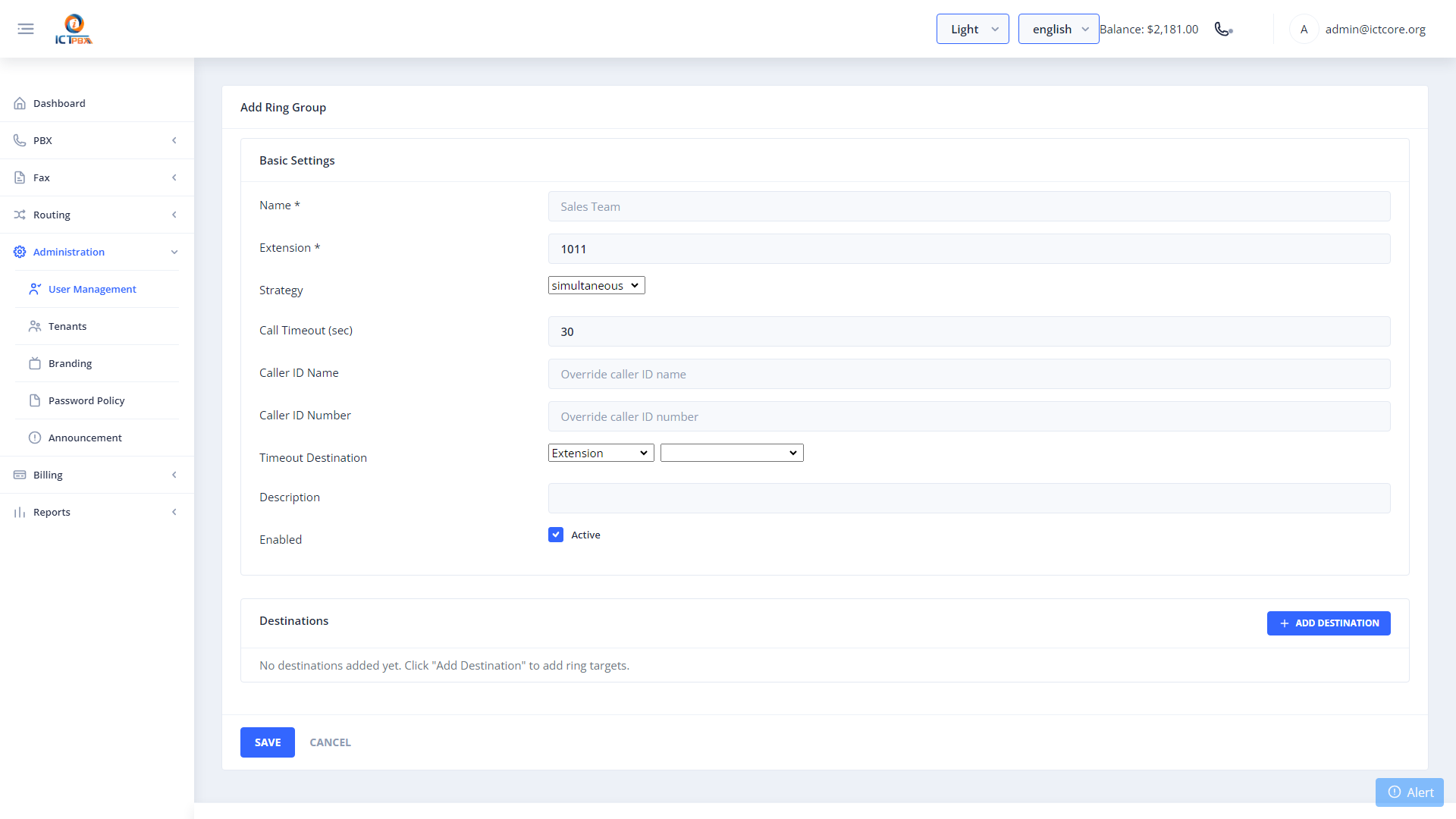
- Click Add Ring Group
- Set a name and the extension number callers will dial to reach the group
- Choose a ring strategy: simultaneous (all phones ring at once) or sequential (try each phone in order)
- Set the ring timeout in seconds
- Add the member extensions
- Click Save
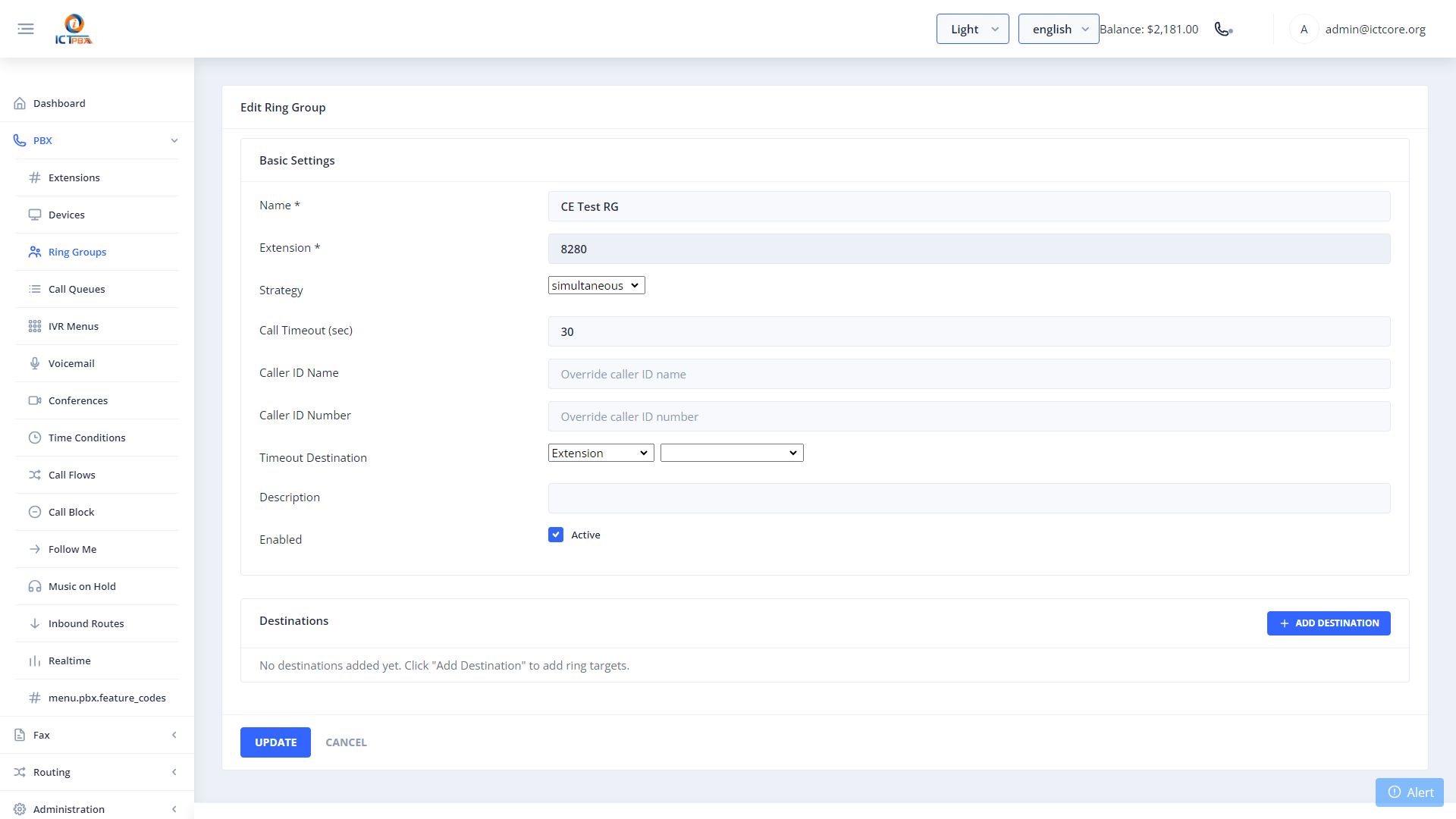
Ring groups are a common destination for inbound DID routes and IVR digit options. Set up your ring group first, then point your inbound route or IVR menu to it.
Related Features
- Inbound Routes – send incoming DID calls to this ring group
- IVR Menus – route a digit press to this ring group
- Call Queues – use queues when you need hold music, position announcements, and agent tier management