
Super AdminTenant Admin
Call queues place incoming callers in a virtual waiting line and distribute them to available agents using configurable ring strategies. Unlike ring groups, queues play hold music, track wait time, and support per-agent delay and timeout settings – making them the right tool for call center environments.
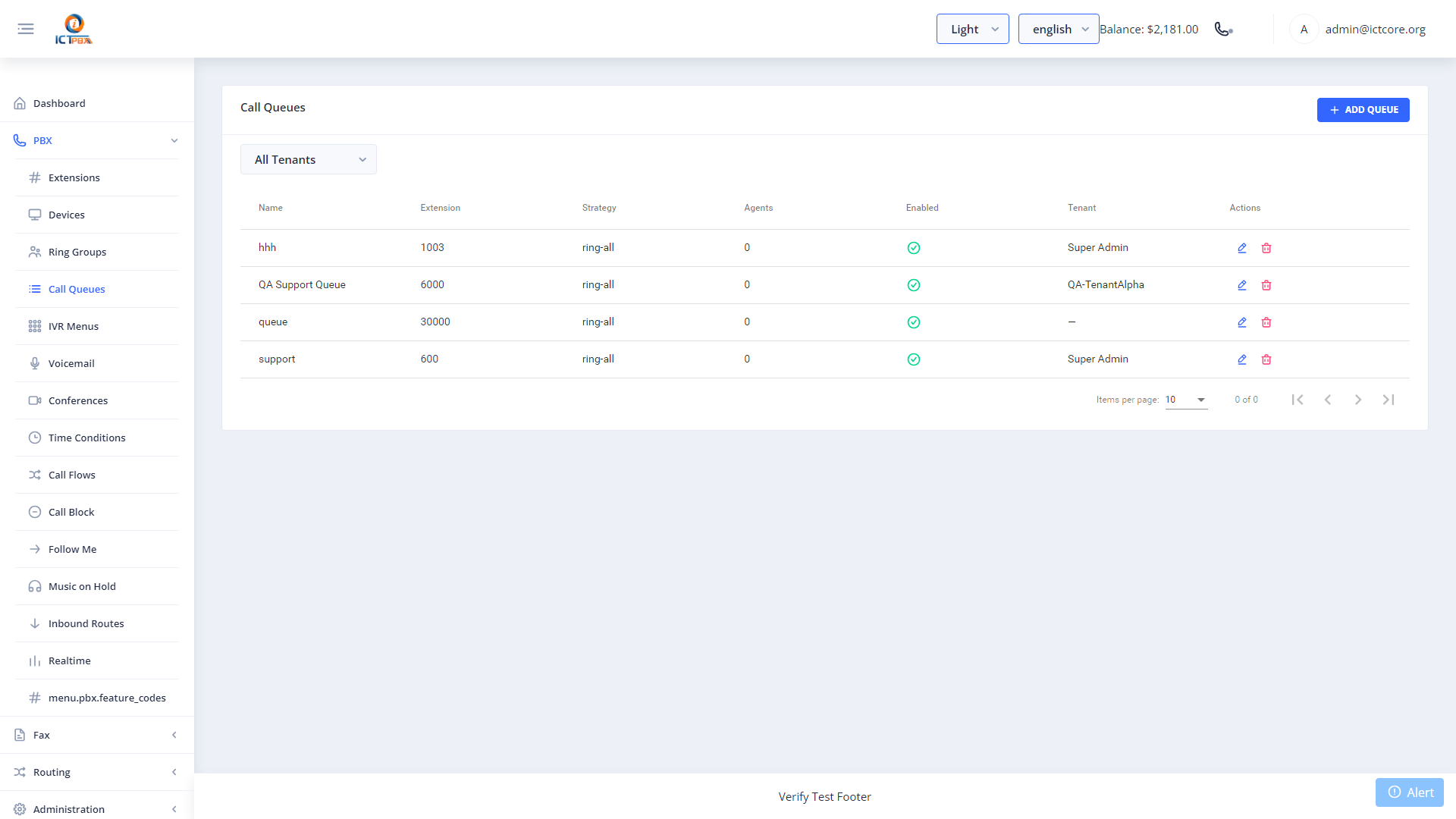
Creating a Call Queue
- Go to PBX › Call Queues
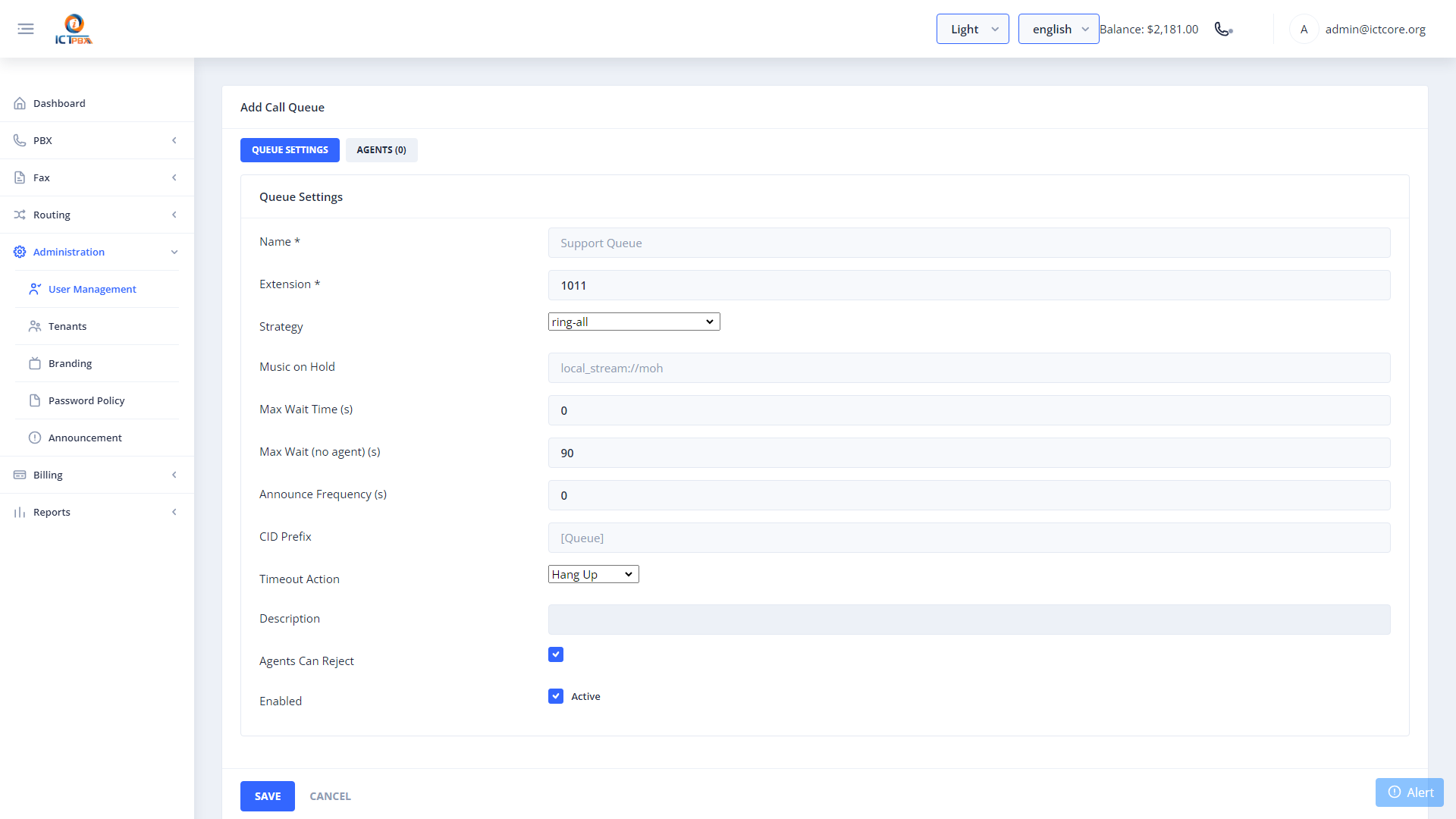
- Click Add Call Queue
- Set the queue name and extension number
- Choose a ring strategy: round-robin, ring-all, or longest-idle-agent
- Set max wait time and the timeout destination (where calls go if nobody answers)
- Select the music on hold class
- Click Save
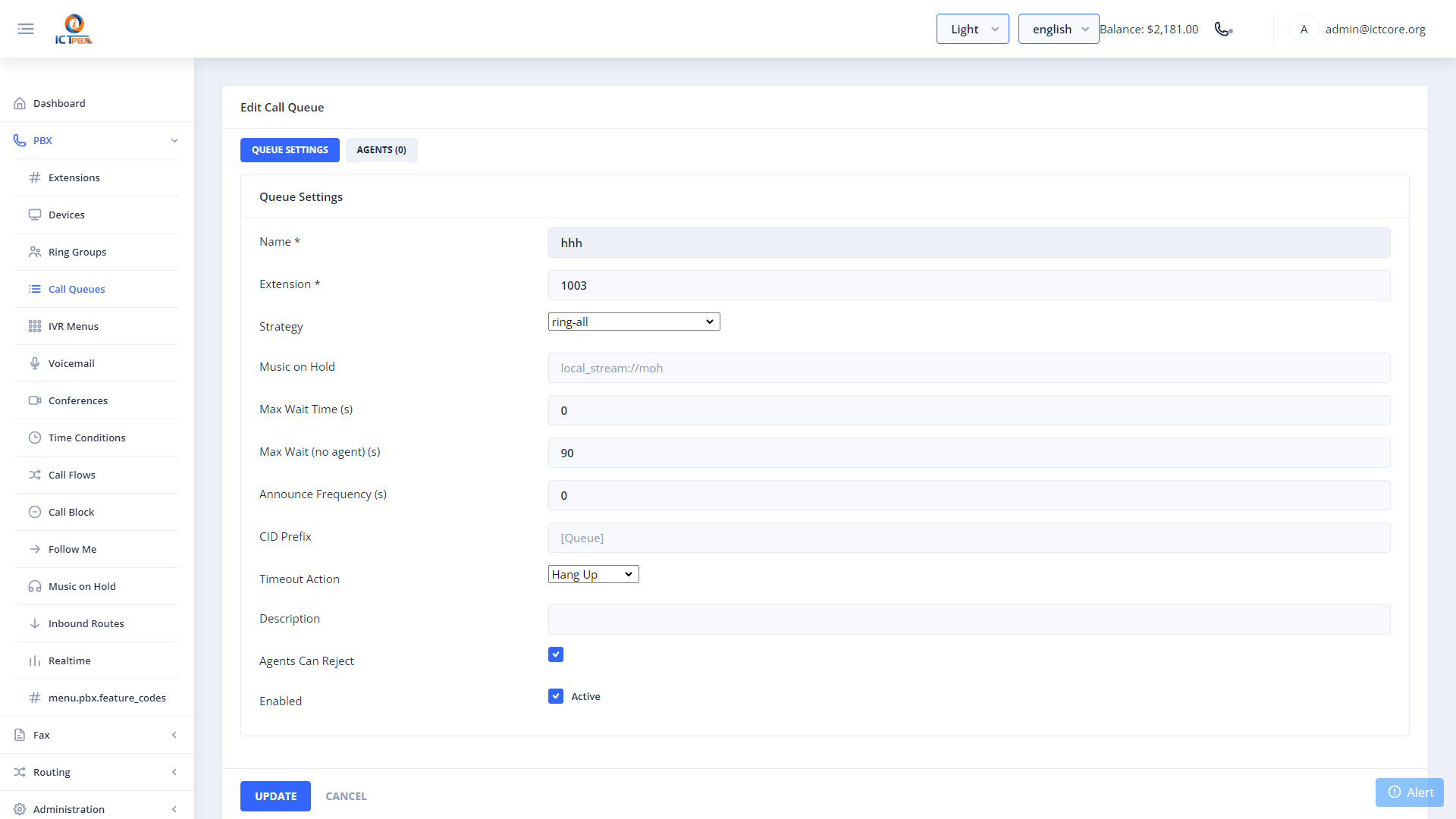
Adding Agents
After saving the queue, open the Agents tab. Add extensions as agents and set each agent’s delay (seconds before they start ringing) and timeout (seconds to ring before moving to the next agent).
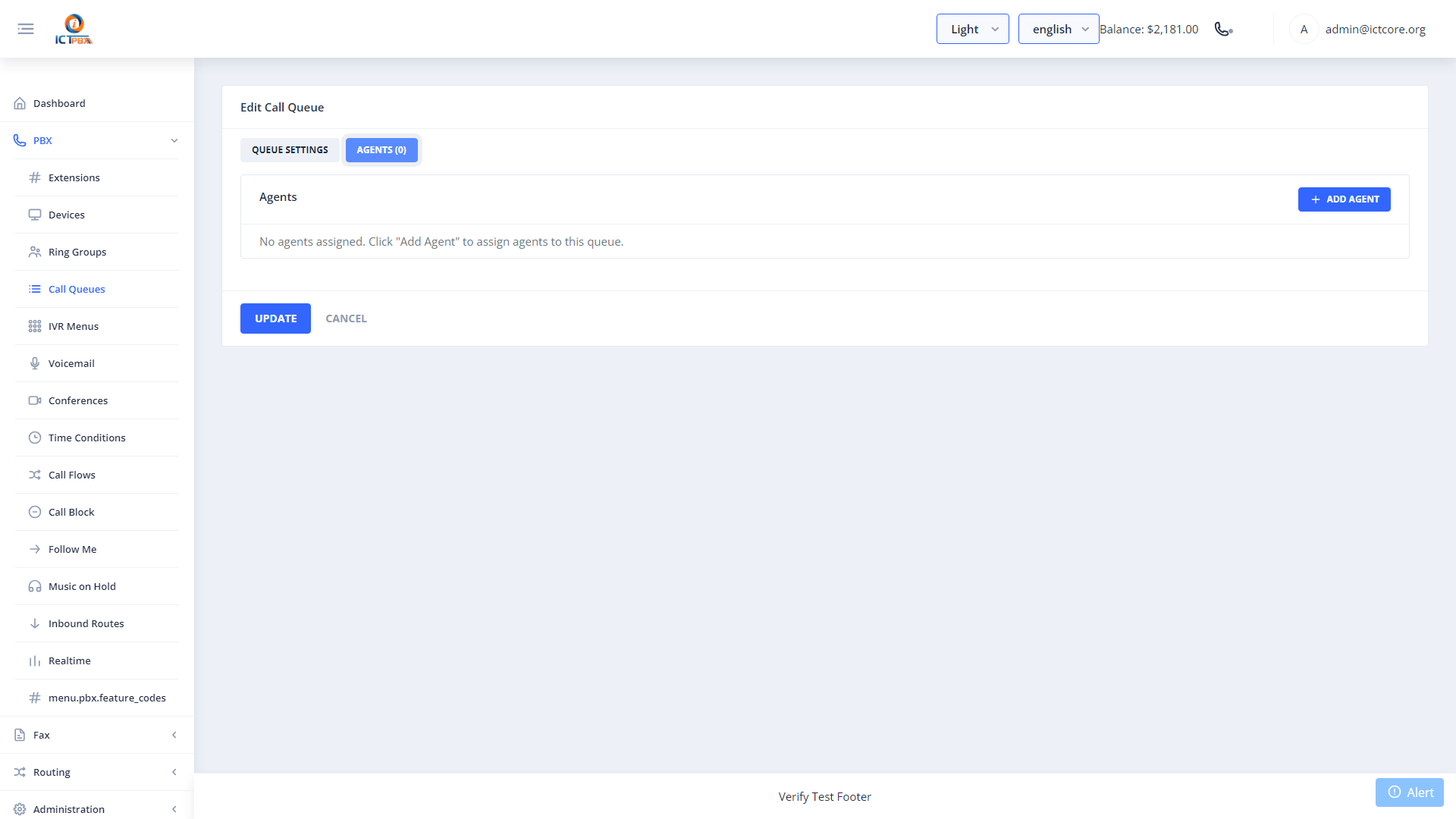
Use longest-idle-agent for fair call distribution. With this strategy, the agent who has been waiting the longest always gets the next call.
Package Quotas
Your service package includes a call queue slot limit. When you reach it, you can’t create more queues. Contact your Super Admin to upgrade your subscription.
Related Features
- Music on Hold – upload audio files for queue hold music
- Inbound Routes – route DID calls directly into a queue
- Realtime Monitor – watch live queue activity