
Super AdminTenant Admin
Extensions are the SIP voice accounts that your users, desk phones, and softphones register with to make and receive calls. Each extension has a number, a password, and optional voicemail – and it syncs to FreeSWITCH instantly when you save.
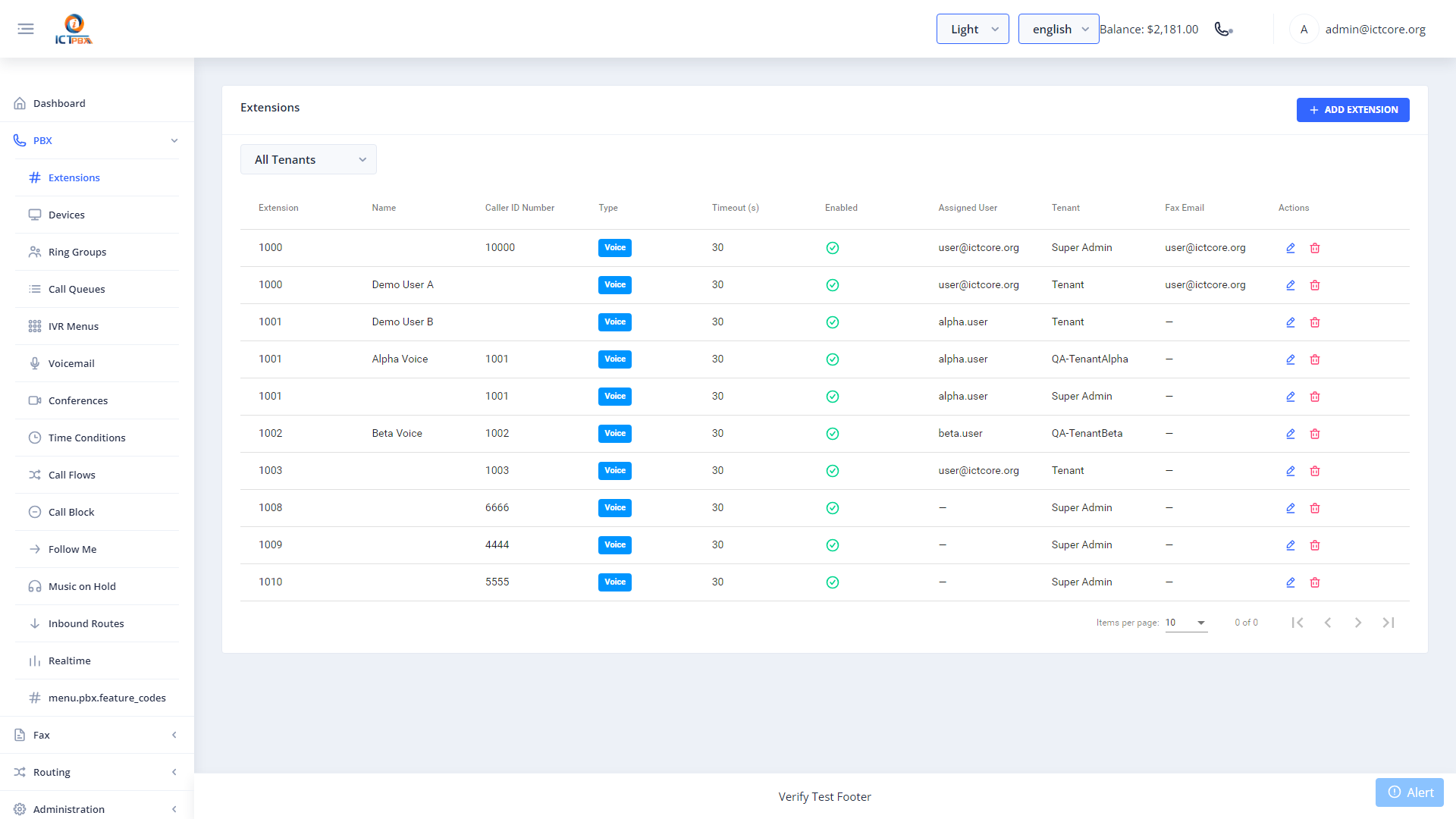
Adding an Extension
- Go to PBX › Extensions
- Click Add Extension
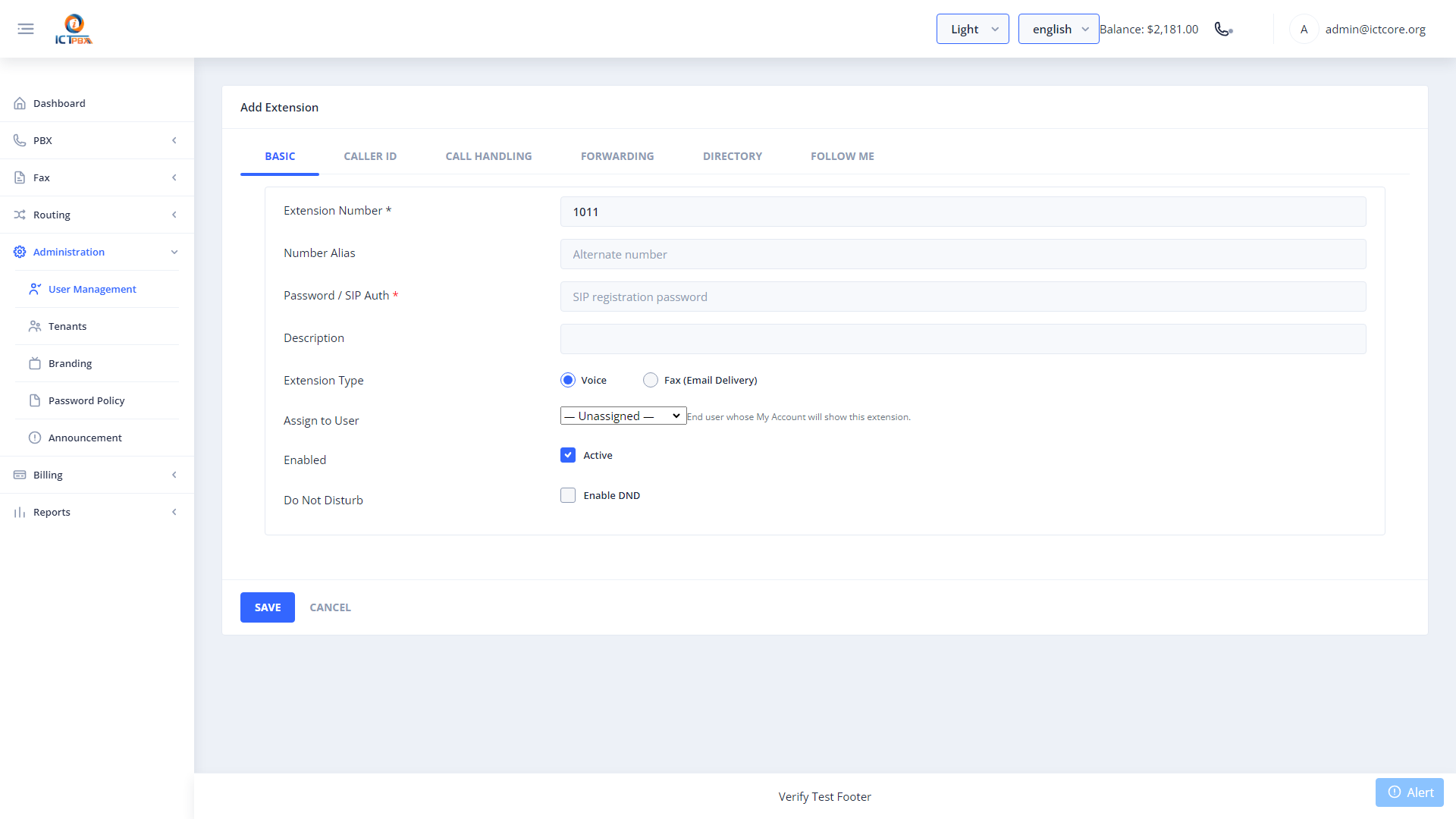
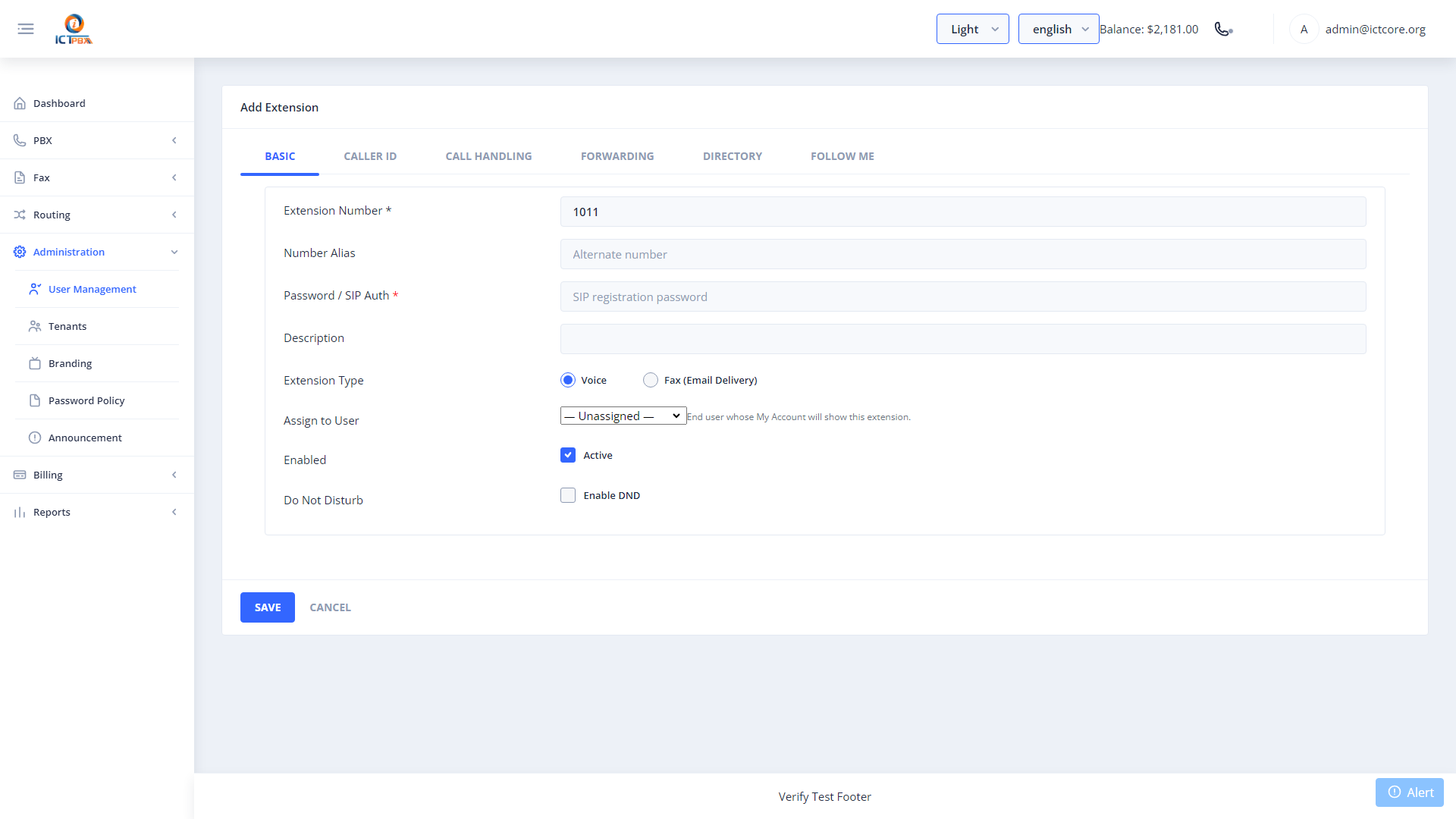
- Enter the extension number (e.g. 1001), display name, and SIP password
- Set the extension type: Voice for regular calls, Fax for inbound fax delivery
- Configure voicemail PIN and email notification address if you want voicemail enabled
- Click Save – FreeSWITCH reloads the user directory automatically
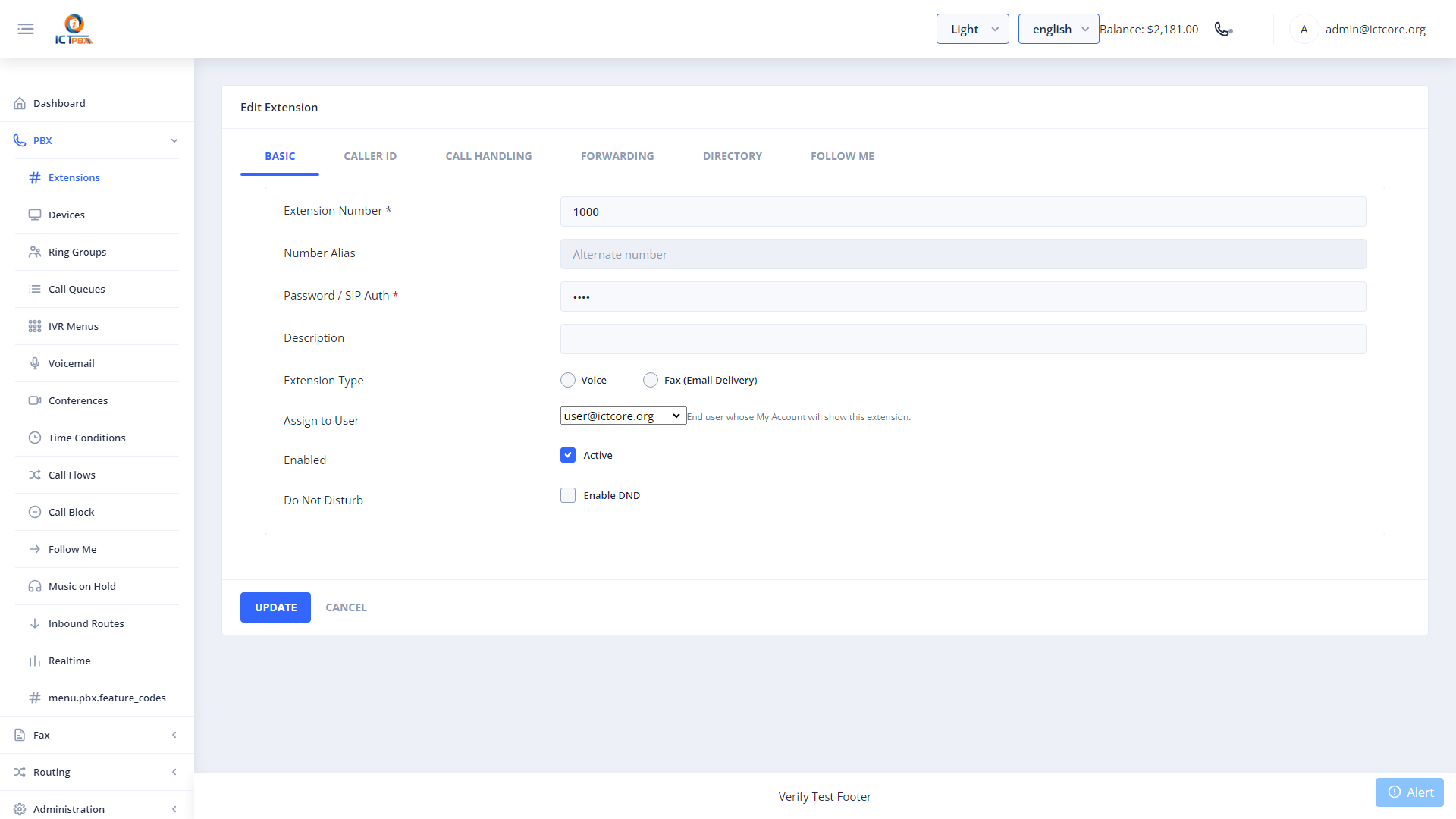
Extension Settings
- Call Recording – enable to automatically record all calls on this extension
- Voicemail PIN – used when calling *98 to retrieve messages
- Email Notification – the address that receives an audio attachment when a voicemail arrives
- Fax Delivery Email – if the extension type is Fax, incoming faxes go to this email as PDF
Extension numbers must be unique across all PBX resource types within a tenant domain. If the system blocks your number, check ring groups and conference rooms for conflicts.
Package Quotas
Your tenant’s service package defines a maximum number of extensions. When you hit that limit, ICTPBX blocks new extension creation and shows a clear message. Contact your Super Admin to upgrade the subscription package if you need more slots.
Related Features
- Devices – register desk phones and ATA adapters to extensions
- Voicemail – manage voicemail boxes and greetings
- My Account – end users view their SIP credentials here