
Super AdminTenant Admin
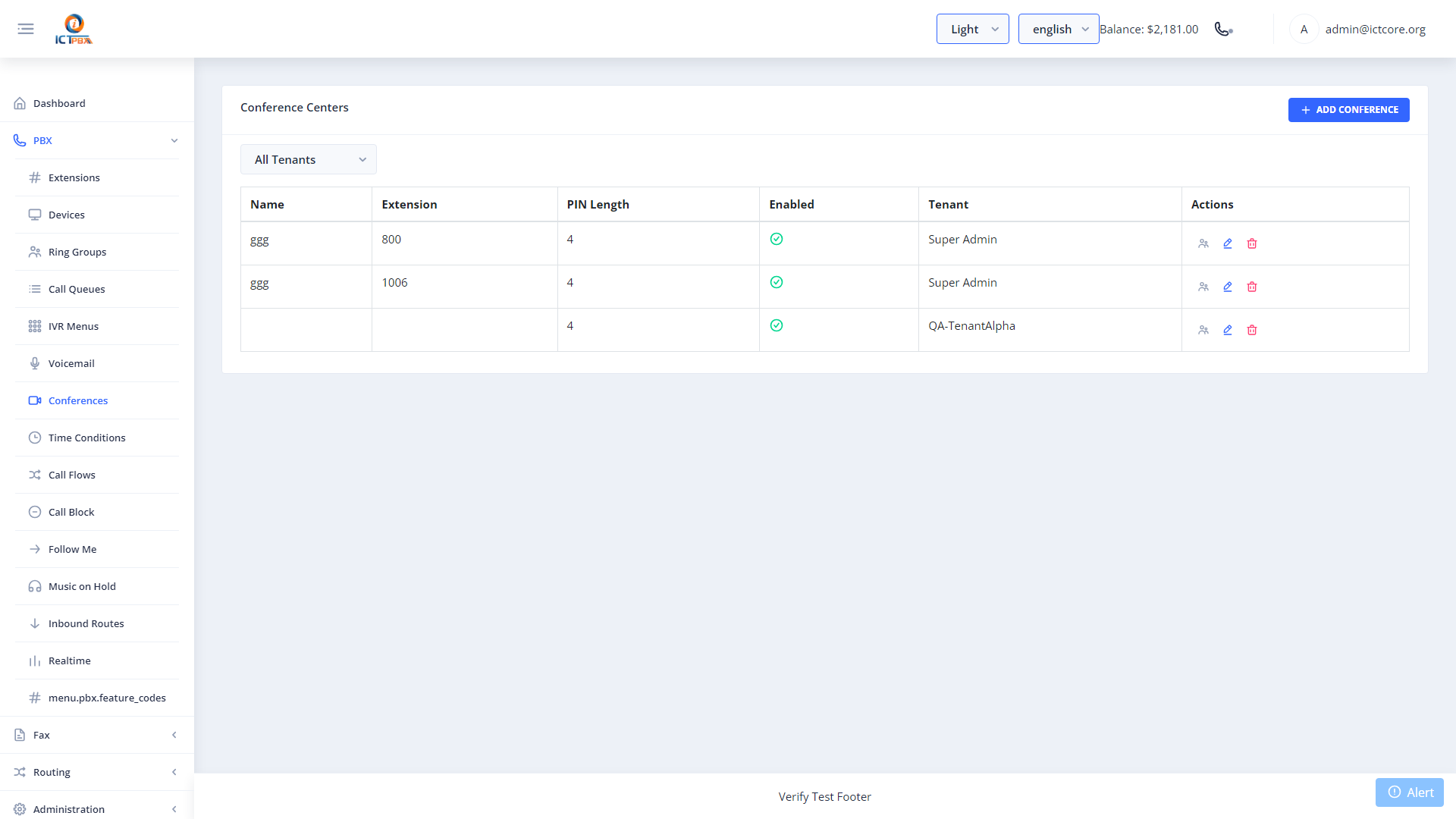
Conference rooms give multiple participants a shared audio bridge – everyone dials the same extension number to join the call. You can set a PIN, limit the number of participants, enable recording, and manage live participants in real time from the portal.
Creating a Conference Room
- Go to PBX › Conference Rooms
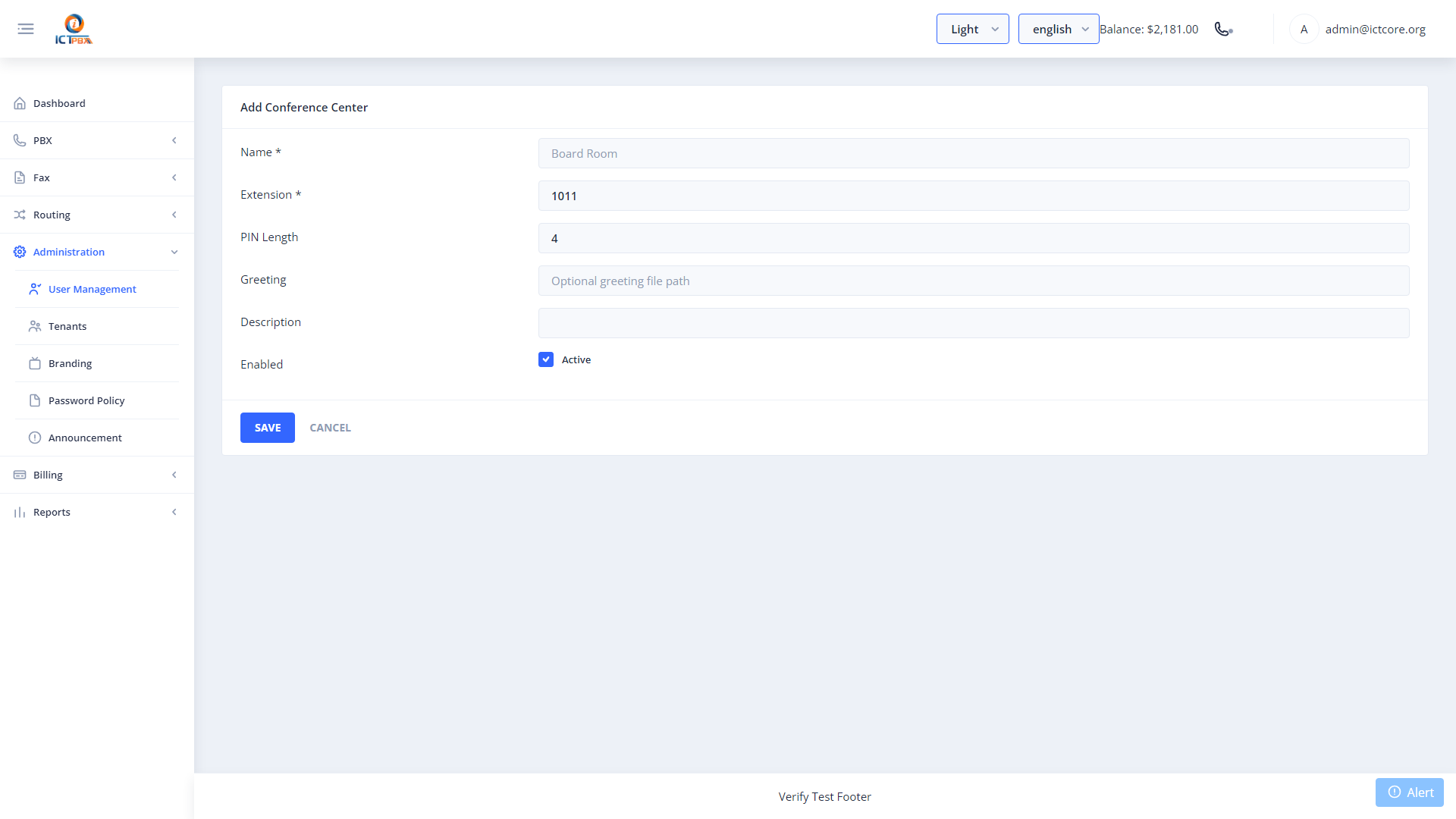
- Click Add Conference Room
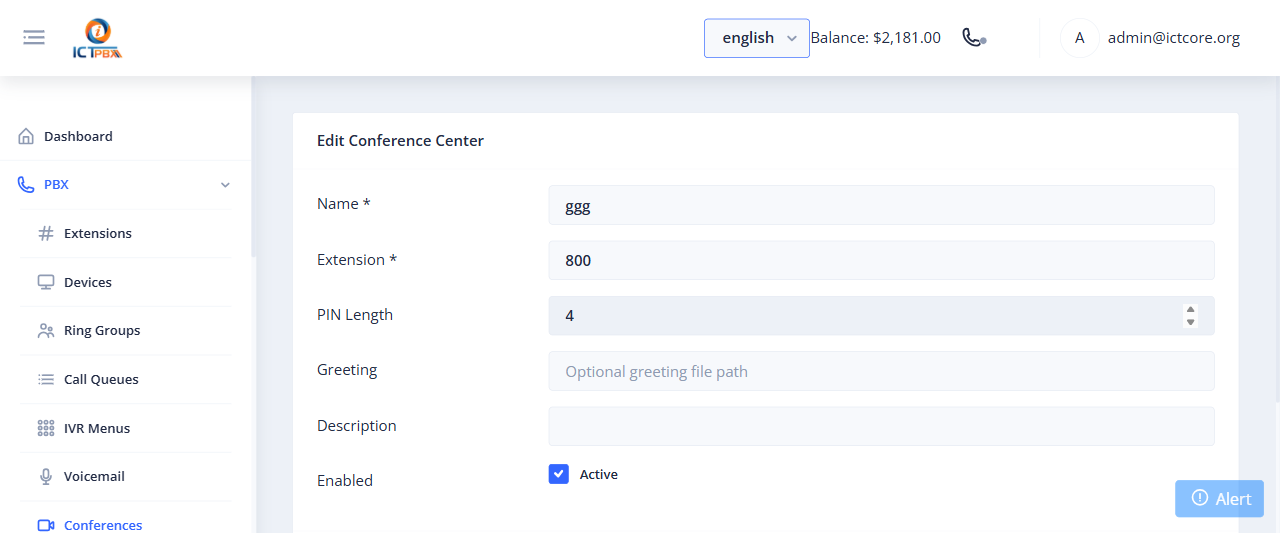
- Set the room name and extension number
- Optionally set a PIN that participants must enter to join
- Set the maximum number of participants
- Enable recording if you want the session saved
- Click Save
Live Participant Management
While a conference is in progress, open the room from the list to see who’s currently connected. The live participant view shows each caller’s display name and duration. You can mute or kick any participant directly from the portal using FreeSWITCH ESL commands – no CLI access needed.
Conference room extension numbers must be unique across all PBX resources in your tenant domain.
Related Features
- Inbound Routes – send a DID directly to a conference room
- Realtime Monitor – see active conference channels alongside all other live calls