
Super AdminTenant Admin
DID (Direct Inward Dial) numbers are the phone numbers assigned to your ICTPBX installation. This page shows all DIDs in your system, their assignment status, and where calls arriving on each number get routed.
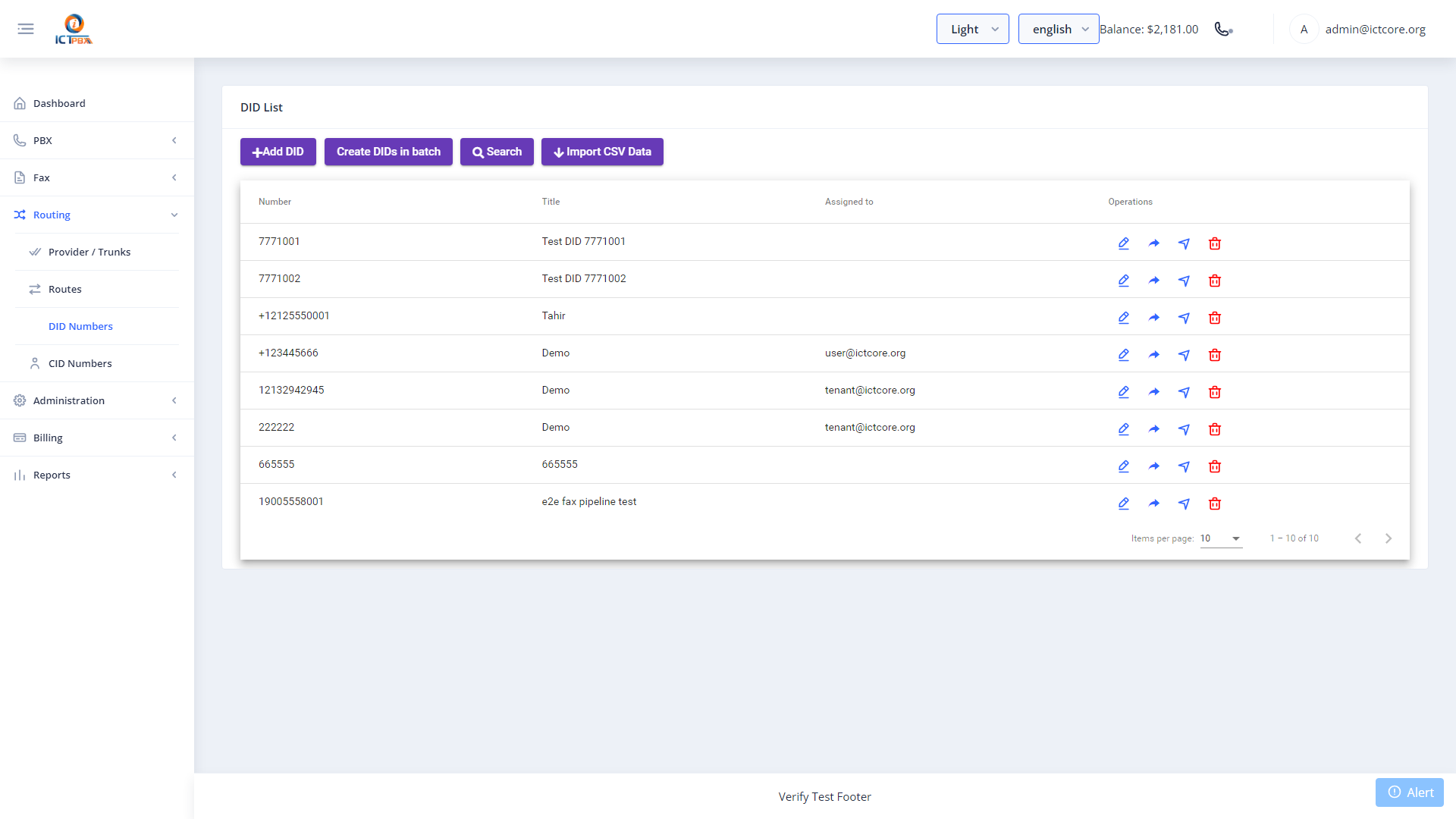
Viewing Your DIDs (Tenant Admin)
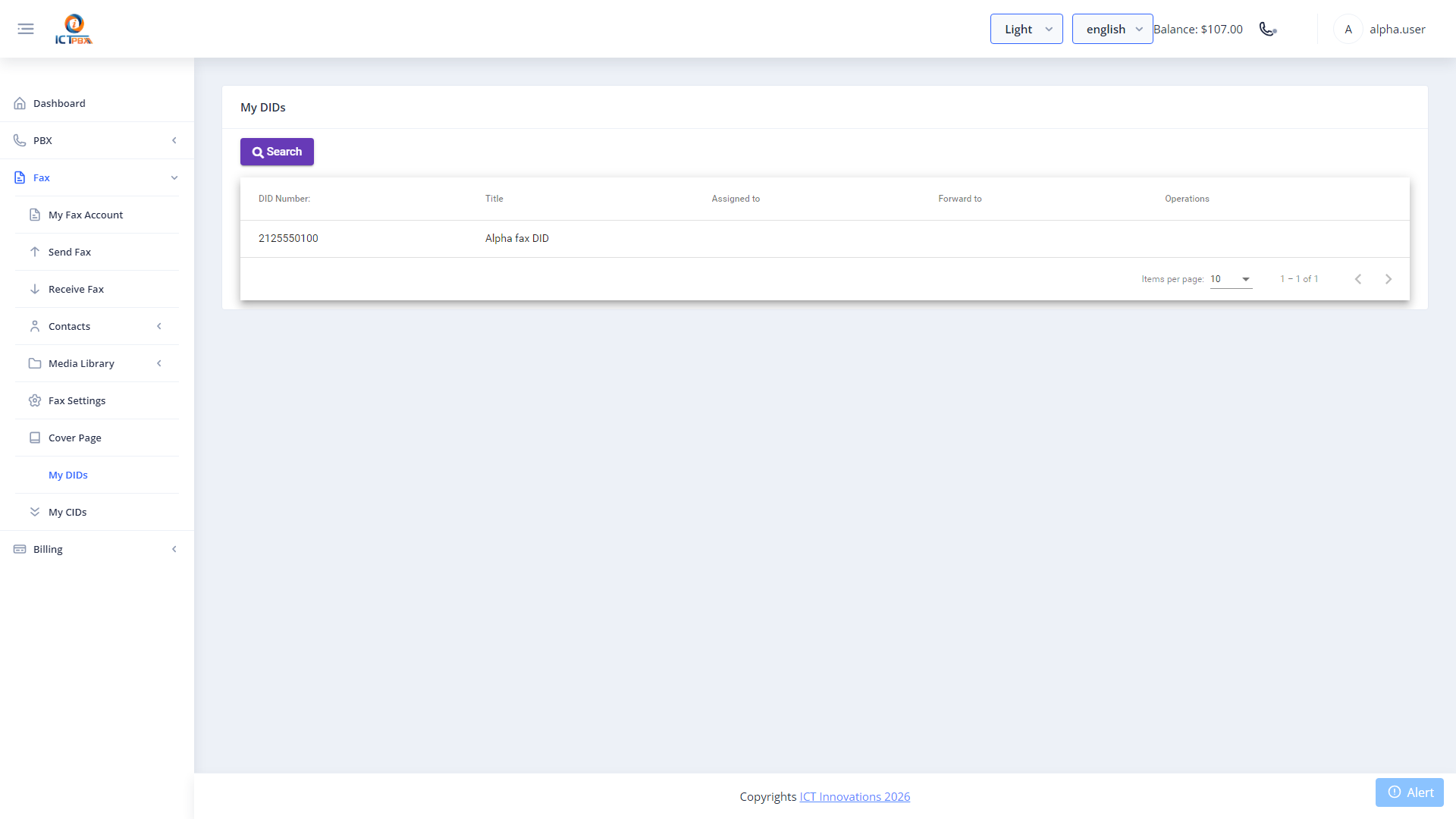
Tenant Admins see the DIDs assigned to their tenant from the My DIDs page. Each DID shows its current routing destination and assignment status.
Adding a DID (Super Admin)
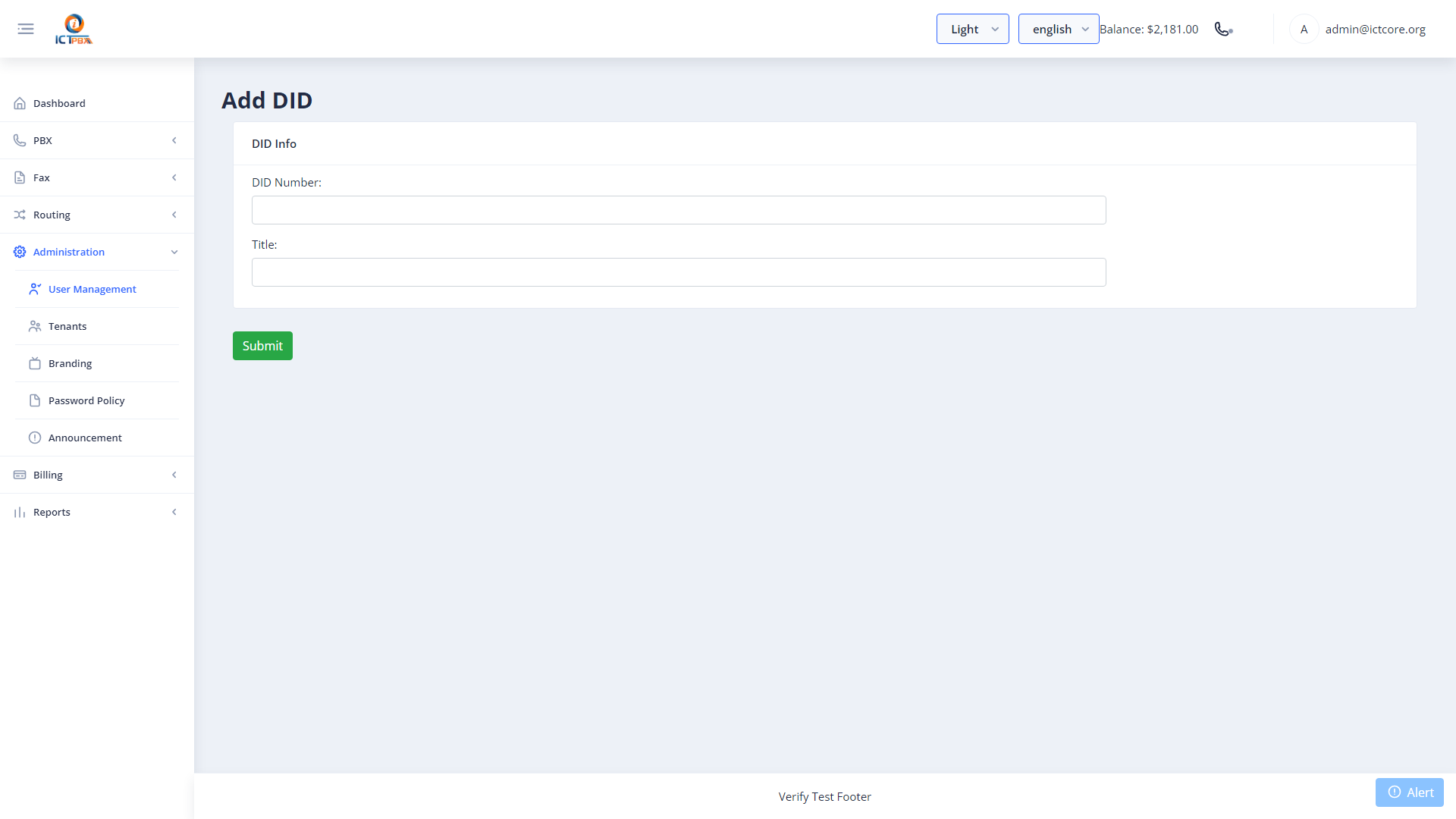
- Go to DID Numbers in the sidebar (Super Admin view)
- Click Add DID
- Enter the phone number in E.164 format (e.g. +12025551234)
- Select the tenant to assign it to
- Click Save
Assigning a DID to an Inbound Route
Tenant Admins can manage the routing of their assigned DIDs directly from the My DIDs page by clicking the routing icon next to any DID. This opens the inbound route form pre-filled with the DID number.
Fax DIDs
To use a DID for inbound fax, create an extension with type set to Fax, then create an inbound route pointing that DID at the fax extension. Incoming faxes are converted to PDF and delivered to the email address on the extension.
Related Features
- Inbound Routes – define what happens when a call arrives on this DID
- Inbound Fax – configure a DID for fax delivery