
Super AdminTenant Admin
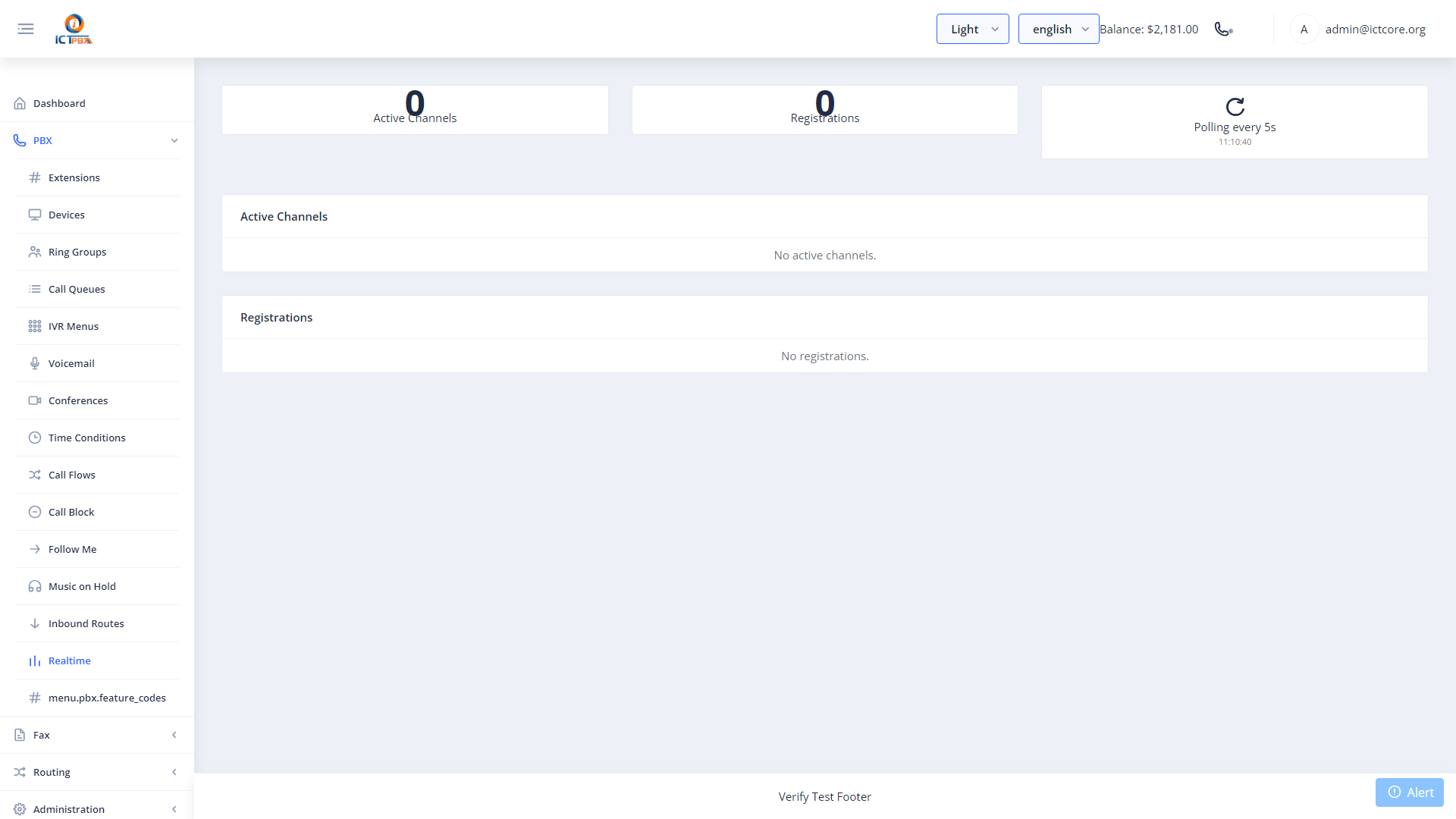
The Realtime Monitor gives you a live view of every active call on your FreeSWITCH server, updating continuously via ESL event polling. You can see who’s on a call, how long they’ve been connected, and take control actions – all without touching the CLI.
Viewing Active Calls
Go to Realtime Monitor in the sidebar. The panel refreshes automatically and shows each active channel with:
- Caller ID (name and number)
- Call destination
- Duration (live counter)
- Codec in use
- Channel UUID
Live Call Control
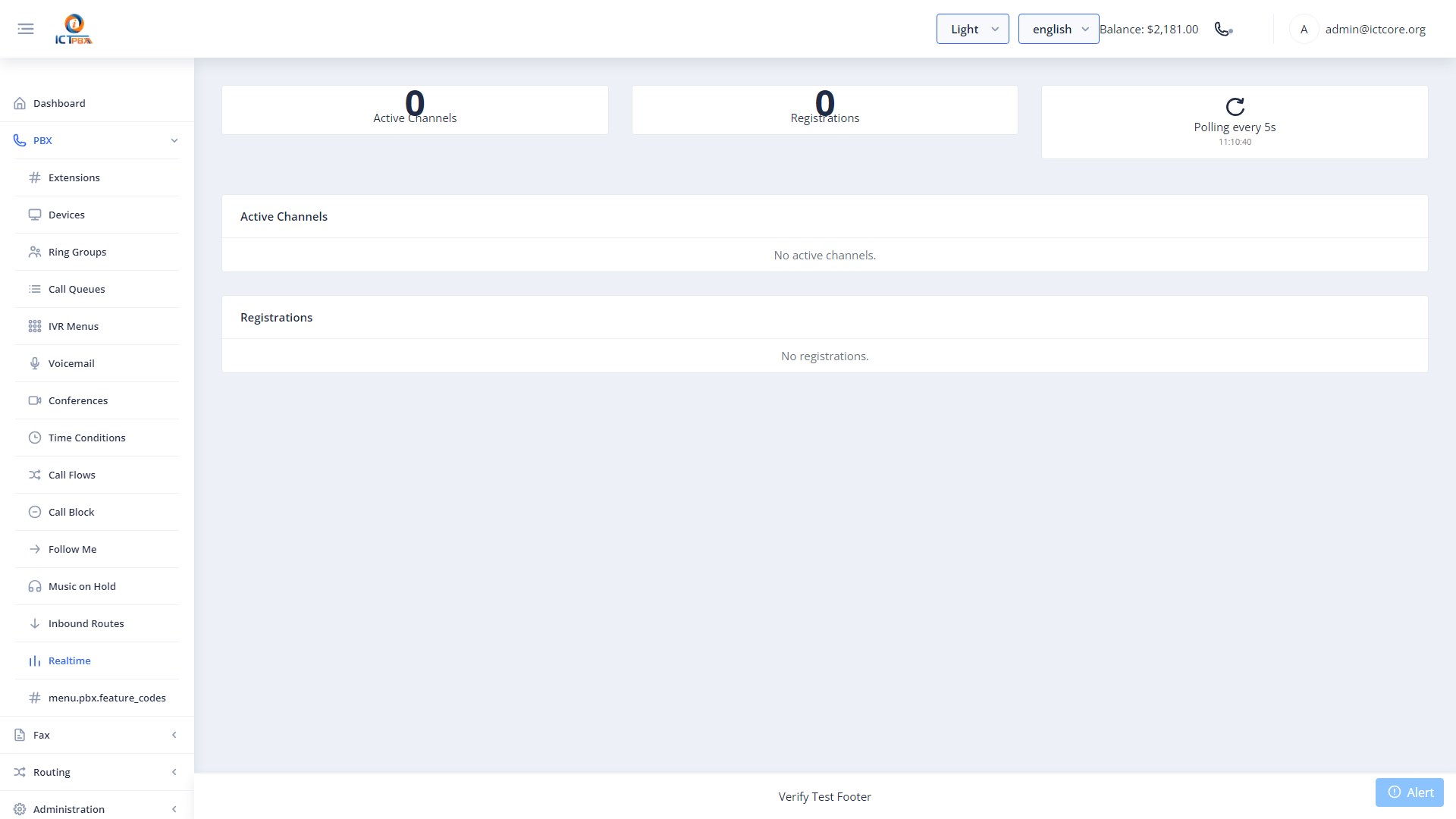
Click any active call to access control options:
- Hang Up – terminate the call immediately
- Hold – place the call on hold
- Transfer – blind transfer to another extension or number
Live call control uses FreeSWITCH ESL (Event Socket Layer) commands under the hood. Changes take effect in under a second.
If you manage a call center, keep the Realtime Monitor open in a separate browser tab during business hours so you can spot stuck or abandoned calls quickly.
Related Features
- PBX CDR Reports – search historical call records after a call ends
- Call Queues – monitor queue agents in real time