
Super AdminTenant Admin
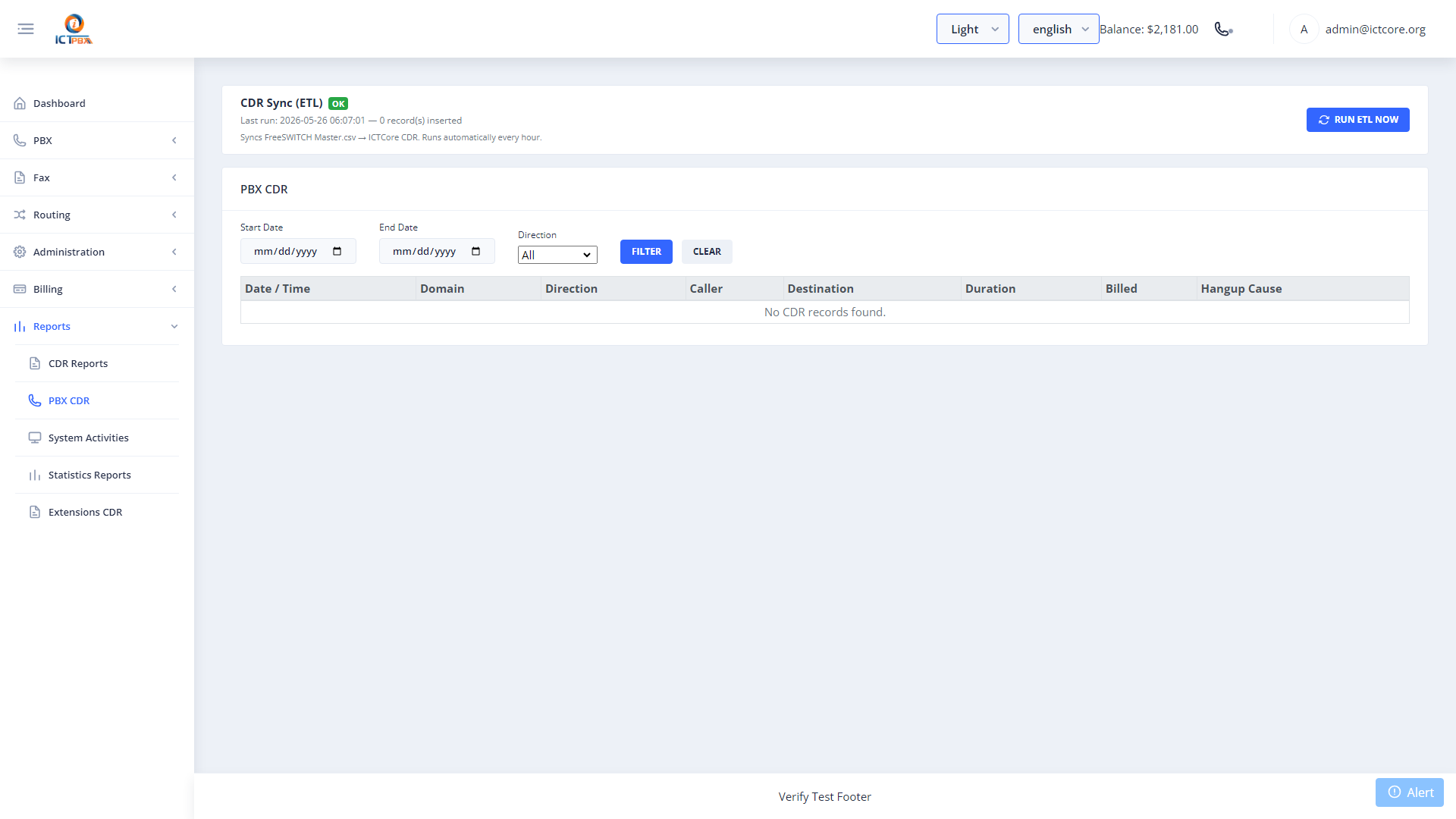
PBX CDR (Call Detail Records) gives you a complete, filterable log of every call processed by FreeSWITCH – sourced directly from FusionPBX’s PostgreSQL database. You can track any call from start to finish, download records for billing audits, and search by any combination of date, caller, destination, or direction.
Viewing Call Records
- Go to Reports › PBX CDR
- Set the date range filter
- Optionally filter by caller ID, destination, call direction (inbound/outbound), or hangup cause
- Click Search
What Each Record Shows
- Caller ID – the calling party’s number and name
- Destination – the number or extension that was called
- Direction – Inbound or Outbound
- Duration – total call time in seconds
- Hangup Cause – why the call ended (NORMAL_CLEARING, NO_ANSWER, BUSY, etc.)
- Codec – the audio codec used for the call
- Recording – link to the recording file if call recording was enabled
An on-demand CDR sync trigger is available to pull fresh records from FusionPBX into the billing engine for usage credit deduction. This usually runs automatically but can be triggered manually if needed.
Exporting Records
Use the export button to download your filtered CDR results as a CSV file for billing reconciliation, compliance reports, or import into a CRM.
Related Features
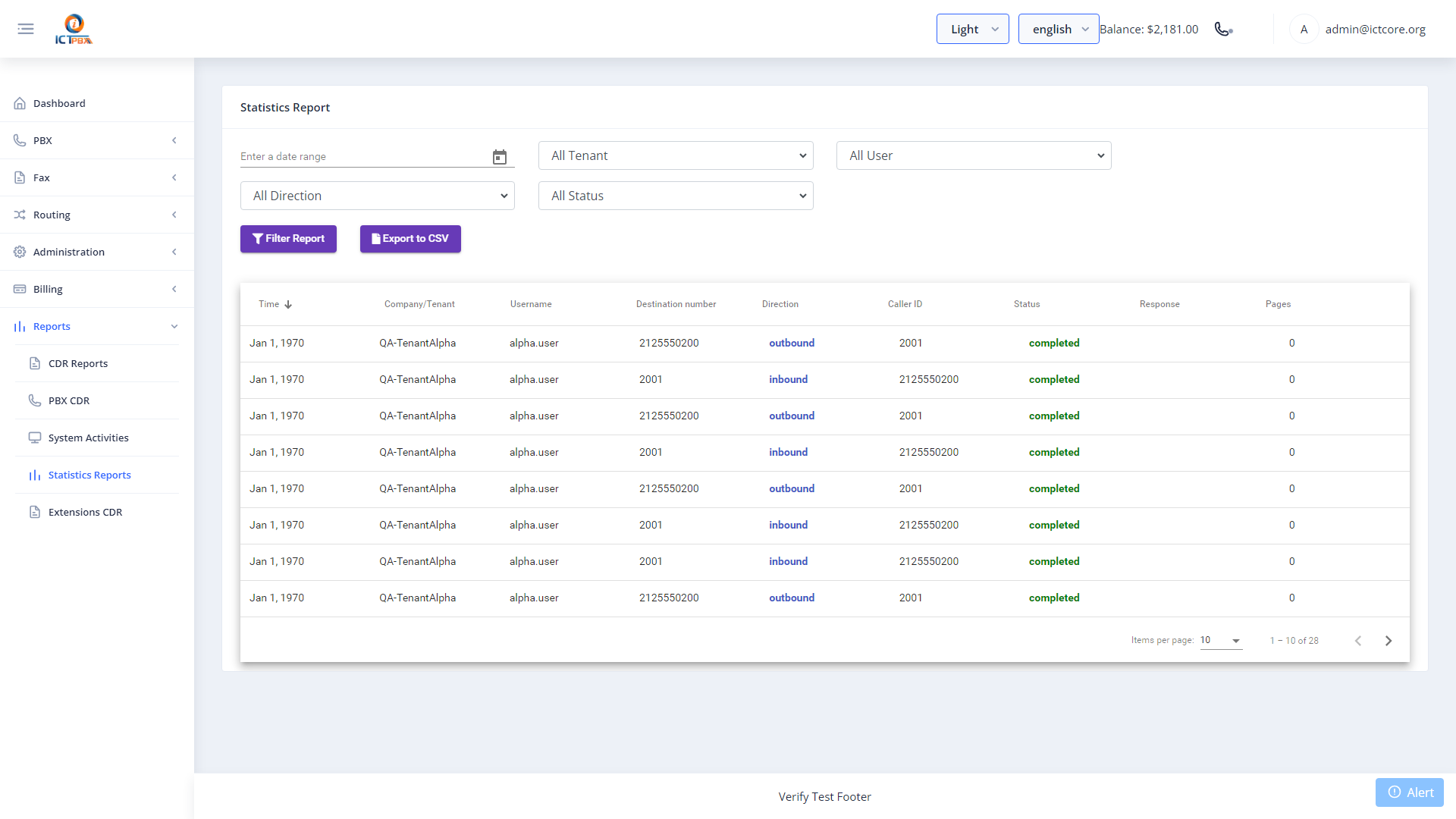
- ICTCore CDR & Reports – API-level records for fax transmissions and programmatic calls
- Realtime Monitor – live view of calls currently in progress
- Activity Log – audit trail of portal actions by user