
Super AdminTenant Admin
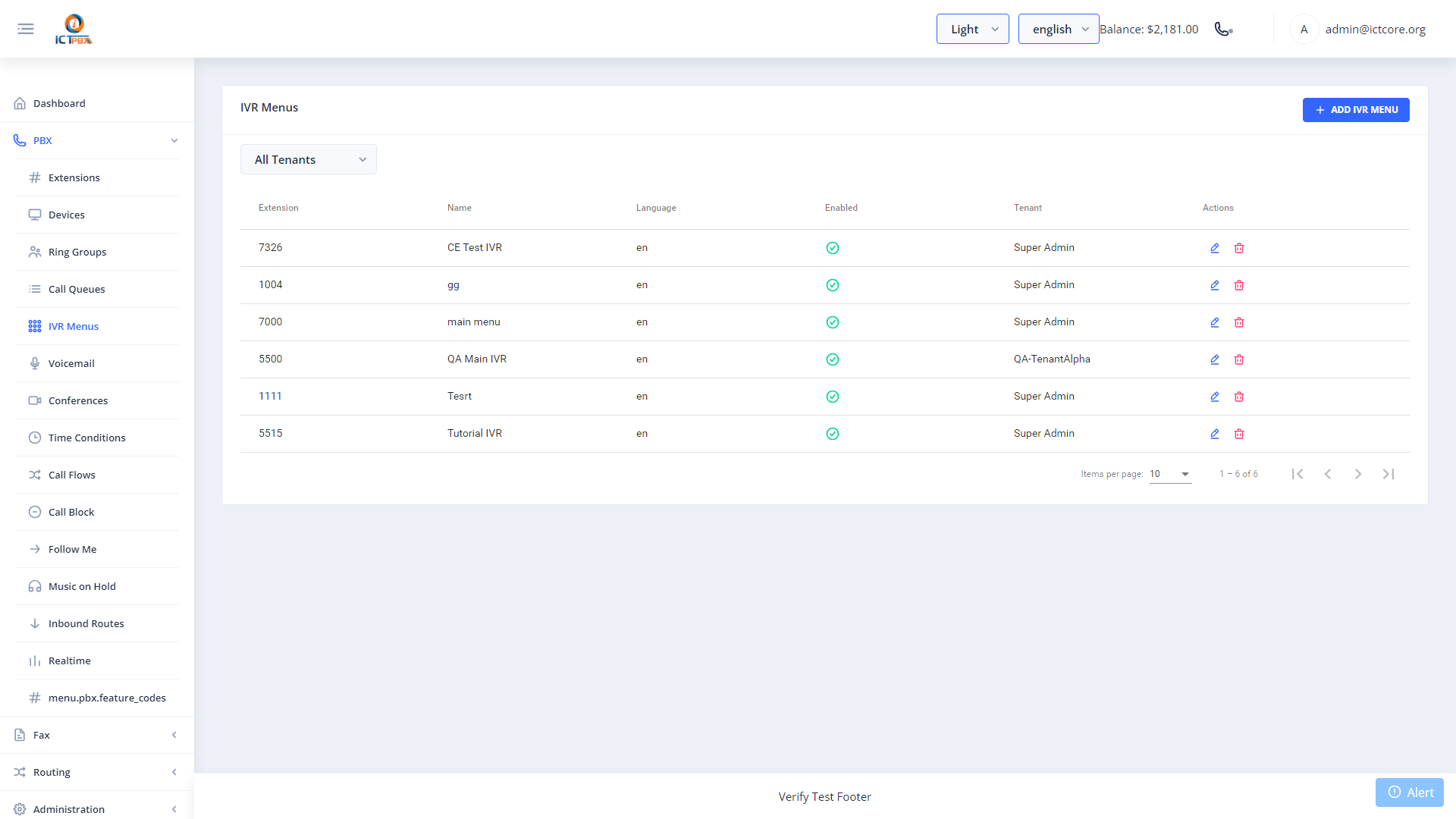
IVR menus (auto-attendants) greet callers with a recorded message and route them based on the digit they press. You can build multi-level menus with unlimited digit options, each pointing to any destination – an extension, ring group, voicemail, call queue, conference room, or another IVR menu.
Creating an IVR Menu
- Go to PBX › IVR Menus
- Click Add IVR Menu
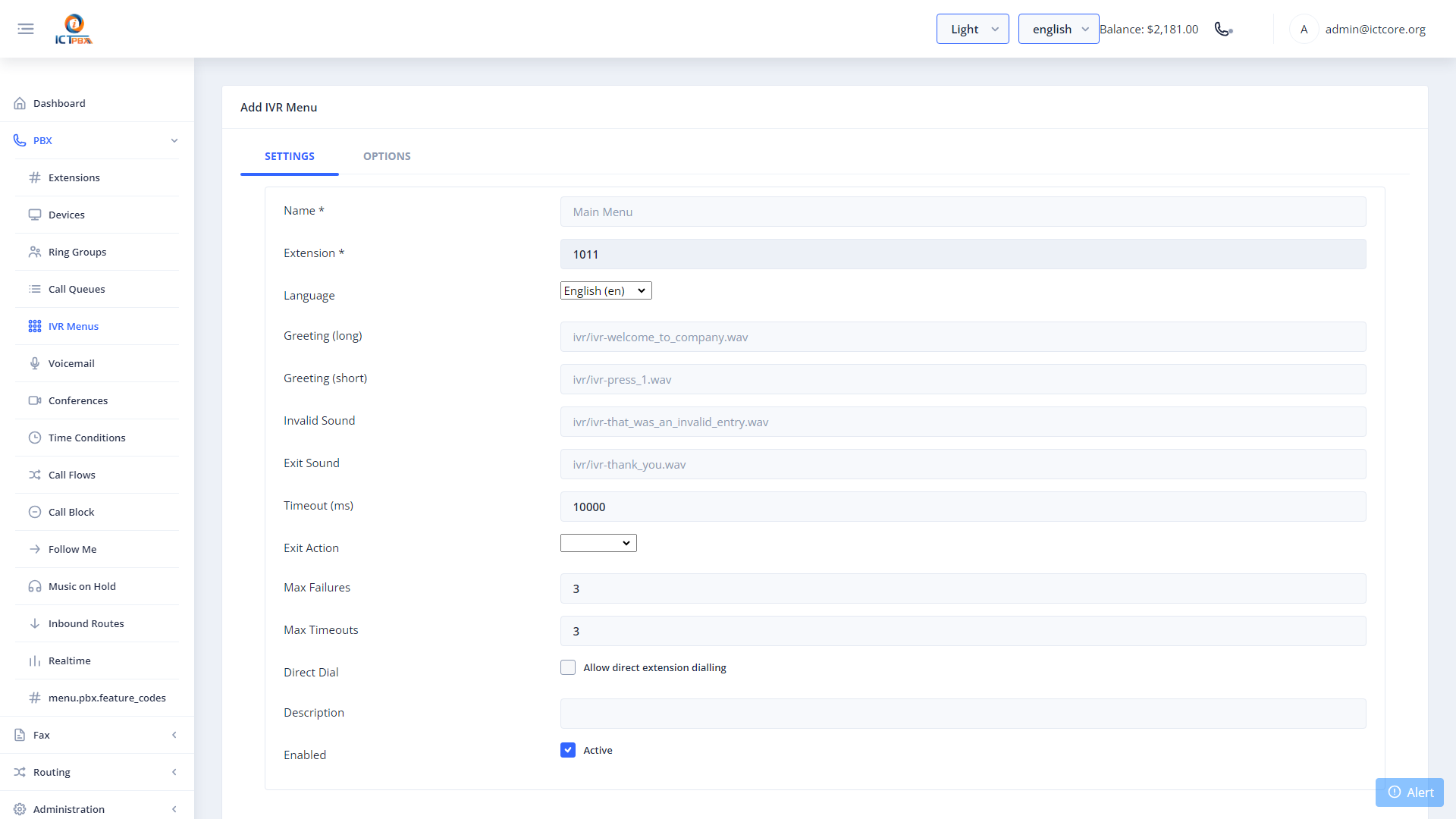
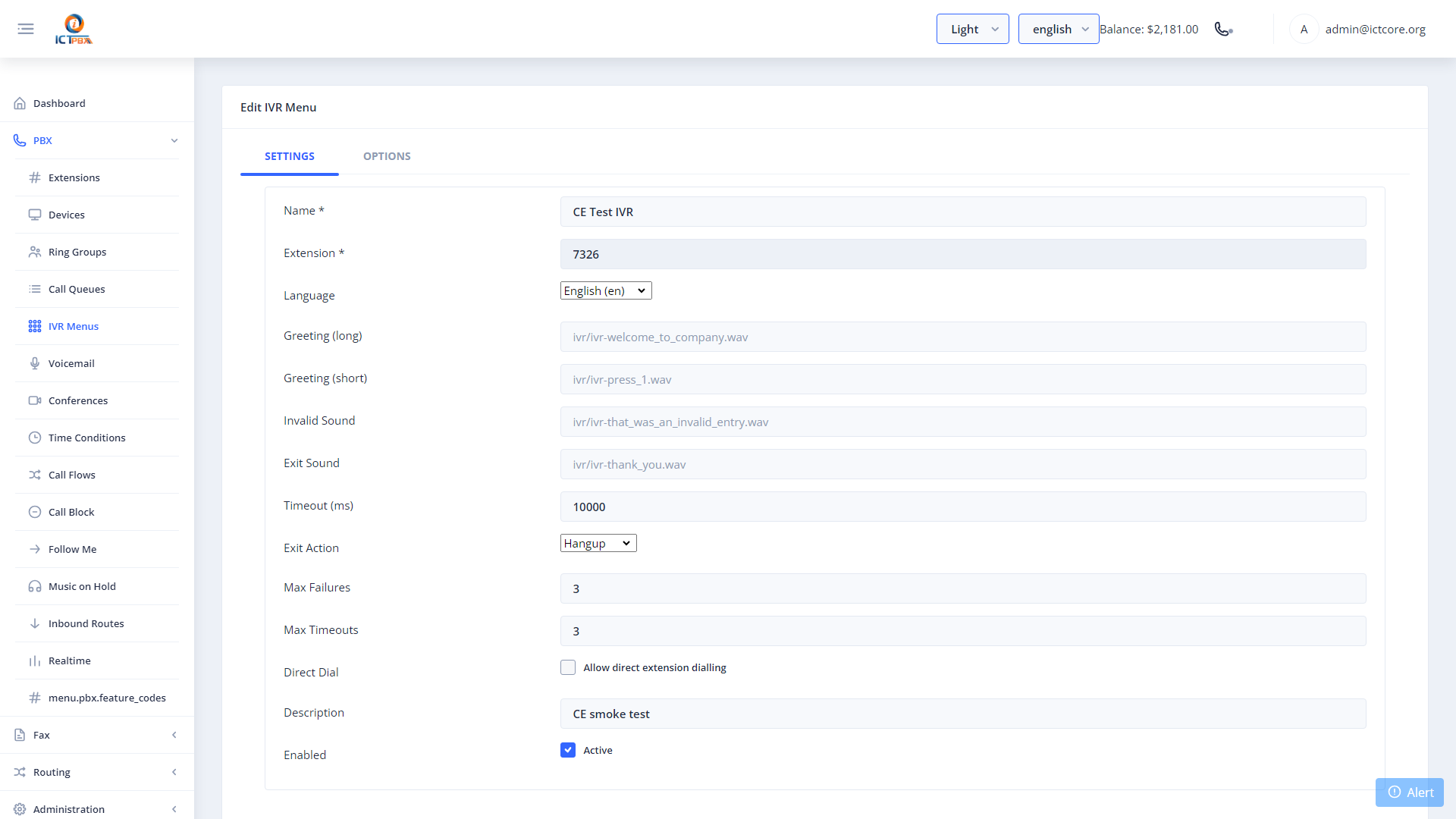
- Set the menu name and extension number
- Upload or select the greeting audio file
- Configure the timeout (seconds to wait for input) and the invalid-input destination
- Add digit options (0-9, *, #) and map each to a destination
- Click Save
Build your ring groups, call queues, and voicemail boxes first – you need those destinations to exist before you can point IVR digits at them.
Multi-Level Menus
To build a nested menu (“Press 1 for Sales, 2 for Support, 3 for Spanish”), point a digit option to another IVR menu. There’s no limit to how many levels you nest.
Related Features
- Inbound Routes – set your IVR menu as the destination for an incoming DID
- Call Flows – send calls to a different IVR after business hours