
Super AdminTenant AdminAgentEnd User
ICTPBX is a multi-tenant cloud PBX platform that lets service providers host and manage voice and fax communications for multiple business customers from a single installation. This guide walks you through logging in and finding your way around the portal.
Logging In
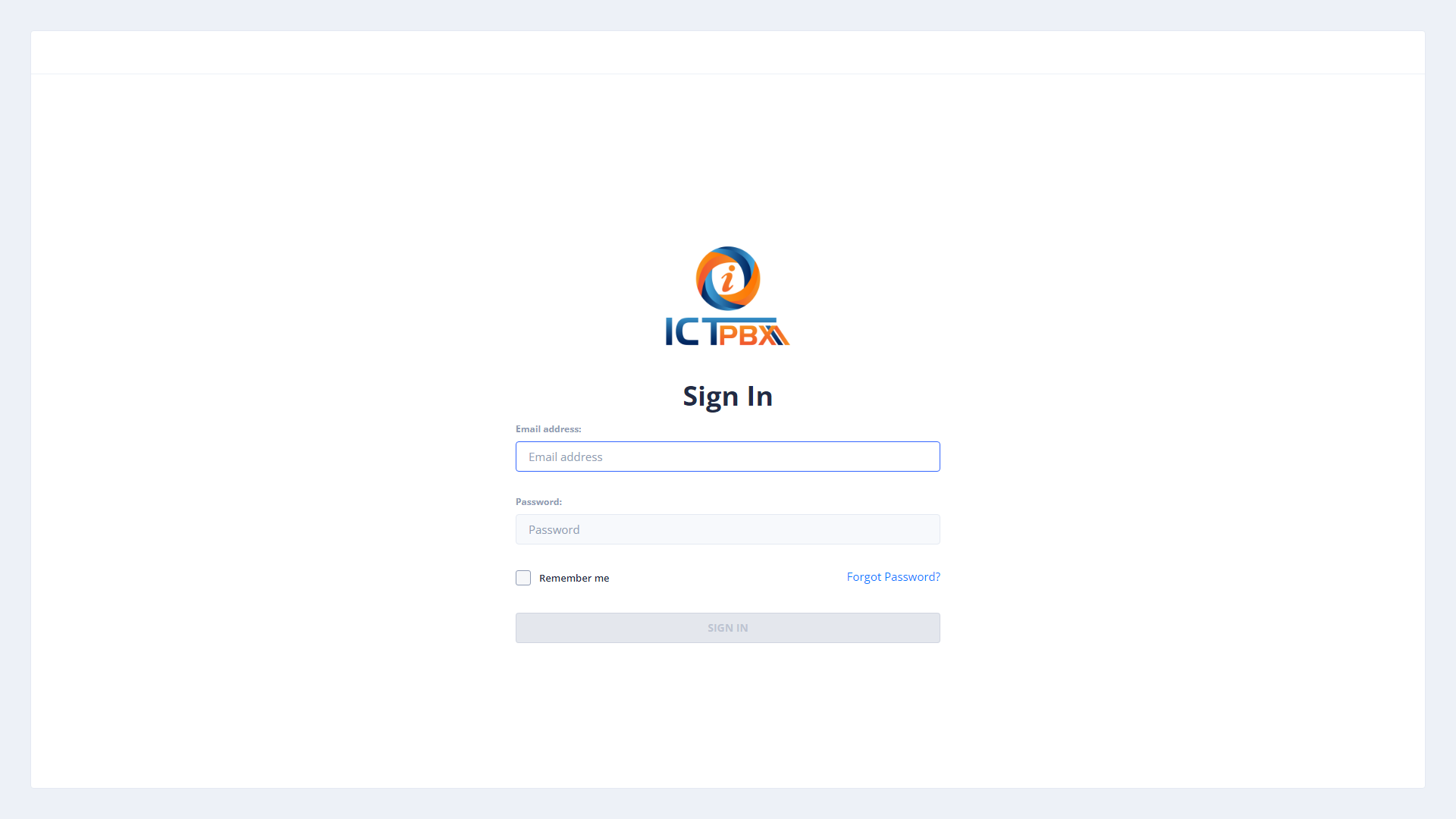
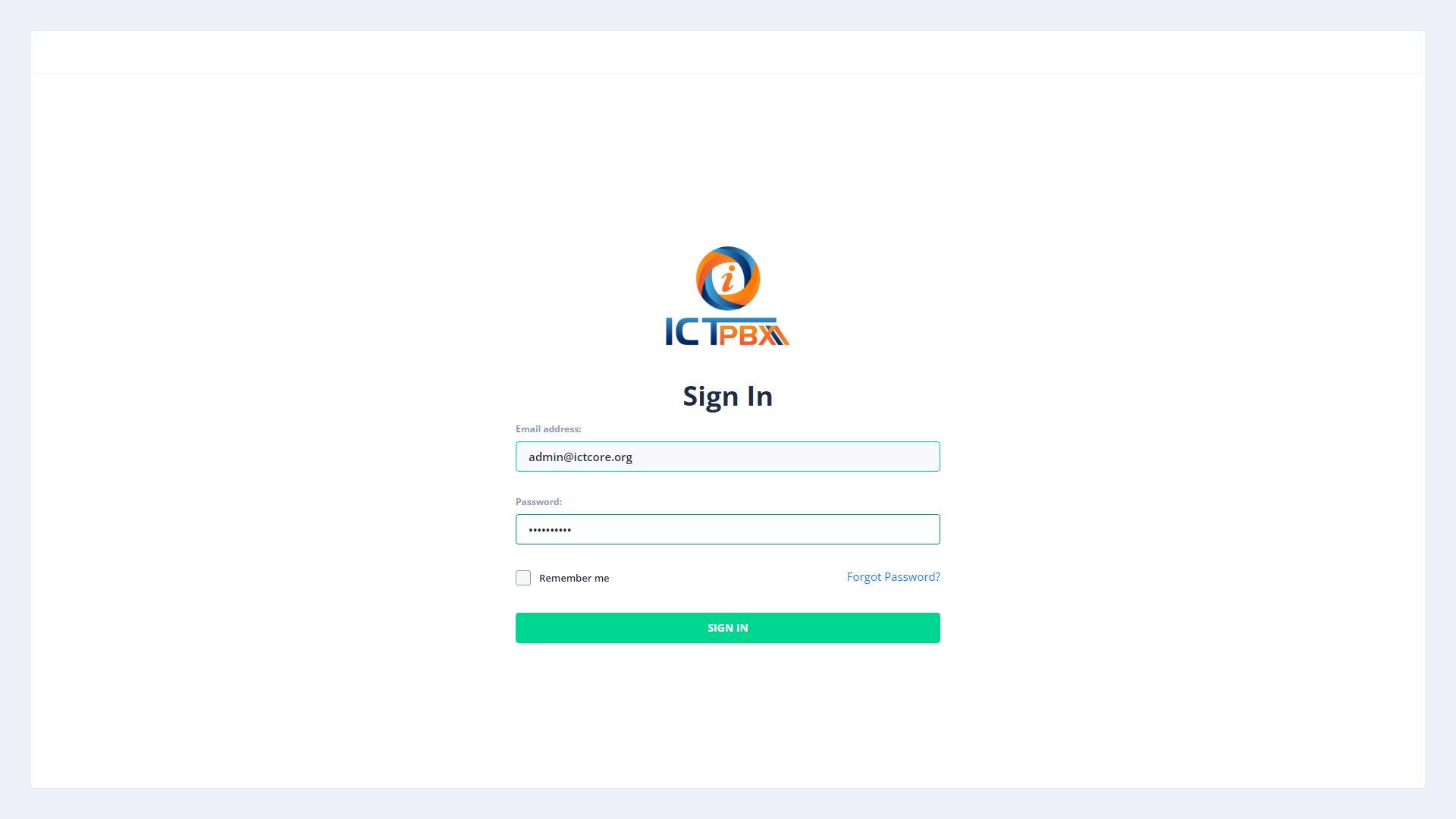
Open your browser and go to your ICTPBX portal URL. Enter your username and password on the login page, then click Sign In.
Once you enter your credentials and sign in, the dashboard loads based on your role. Super Admins see system-wide statistics. Tenant Admins see their tenant’s PBX dashboard. Agents and End Users land on their personal My Account page.
Understanding Your Role
ICTPBX uses four role levels, each with its own interface and permissions:
- Super Admin – full access to all tenants, billing, gateways, and system settings
- Tenant Admin – manages one tenant’s extensions, users, PBX resources, and reports
- Agent – handles calls using the built-in softphone and manages their own extension
- End User – views SIP credentials, configures Follow Me and DND, sends and receives faxes
Your menu shows only the items relevant to your role. If you don’t see a menu item, your account doesn’t have permission for it.
Navigating the Portal
The sidebar on the left is your main navigation. Hover over any section to expand it. The header shows your credit balance and a button to open the built-in WebRTC softphone. Use the softphone panel to make and receive calls directly in your browser.
Next Steps
- Tenant Admins – start with Extensions to add your first SIP extension
- End Users – visit My Account to find your SIP credentials
- Super Admins – go to Tenant Management to create your first tenant