
ICTPBX Feature
Call Transfer
Call transfer moves a live call to another person or extension. With ICTPBX you can do a blind transfer that sends the caller straight through, or an attended transfer where you speak first and then connect. You transfer from the webphone, a desk phone, or with a star-code during the call.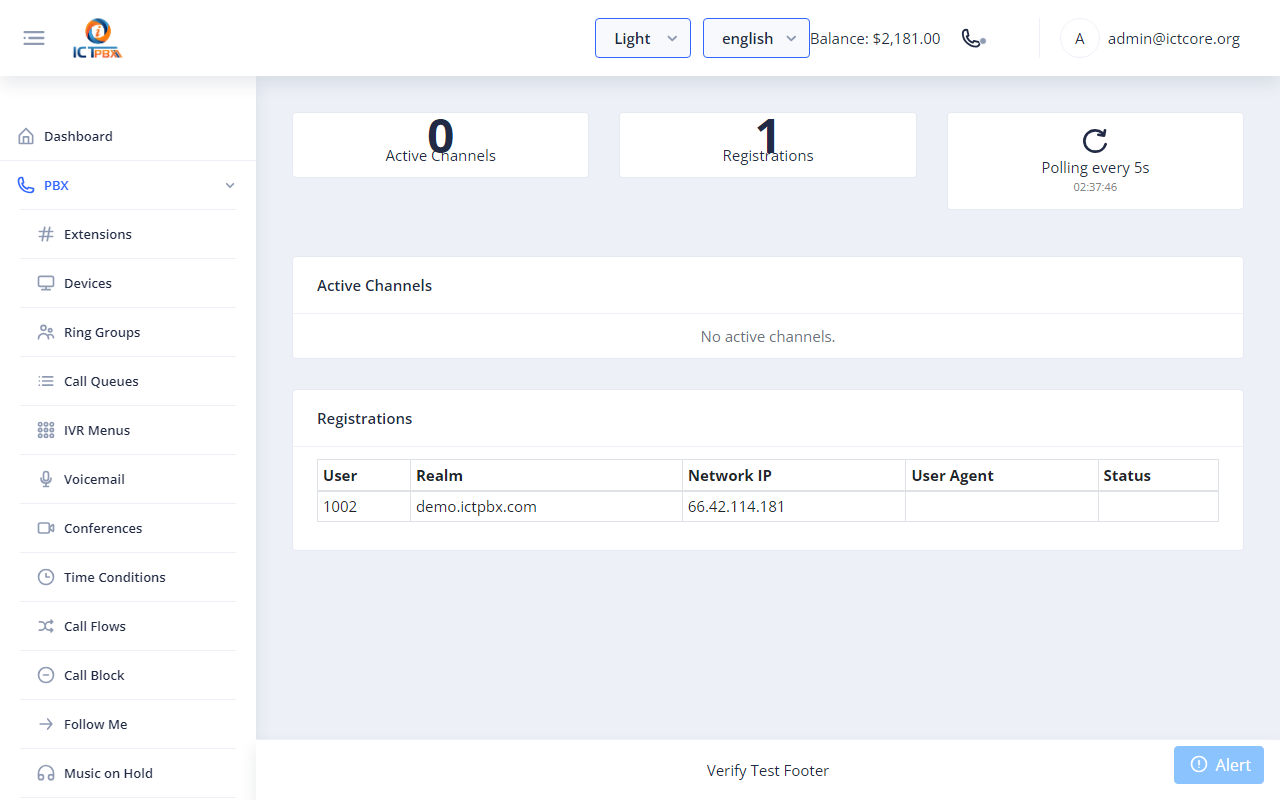
Clean transfers keep callers from repeating themselves and bouncing between people. ICTPBX gives every agent both styles of transfer and a live view for supervisors who need to step in.
What you get
Blind transfer
Send the caller directly to another extension, a ring group, or voicemail without waiting. Good for quick hand-offs.Attended transfer
Call the third person first, tell them who is waiting, then complete the transfer. The caller hears hold music until you connect them.Transfer from anywhere
Use the on-screen controls in the WebRTC softphone, the buttons on a desk phone, or a feature code from any handset.Watch it live
The realtime monitor lists active calls so a supervisor can see transfers as they happen and take action if needed.Frequently asked questions
What is the difference between blind and attended transfer?
A blind transfer connects the caller right away. An attended transfer lets you talk to the third person first, then complete it.
Can I transfer to voicemail or a queue?
Yes. You can send a call to an extension, ring group, queue, IVR, or voicemail.
How do I transfer from the browser phone?
The WebRTC softphone has on-screen transfer controls. You can also dial a feature code.
Can a manager see transfers?
The realtime monitor lists active calls with hold and transfer controls for supervisors.