
Super AdminTenant Admin
In addition to FreeSWITCH PBX CDR, ICTPBX provides ICTCore-level records that cover all activity processed through the ICTCore API layer – including fax transmissions, programmatic voice calls, and campaign activity. These reports are available at the platform level and give a complete cross-channel audit trail.
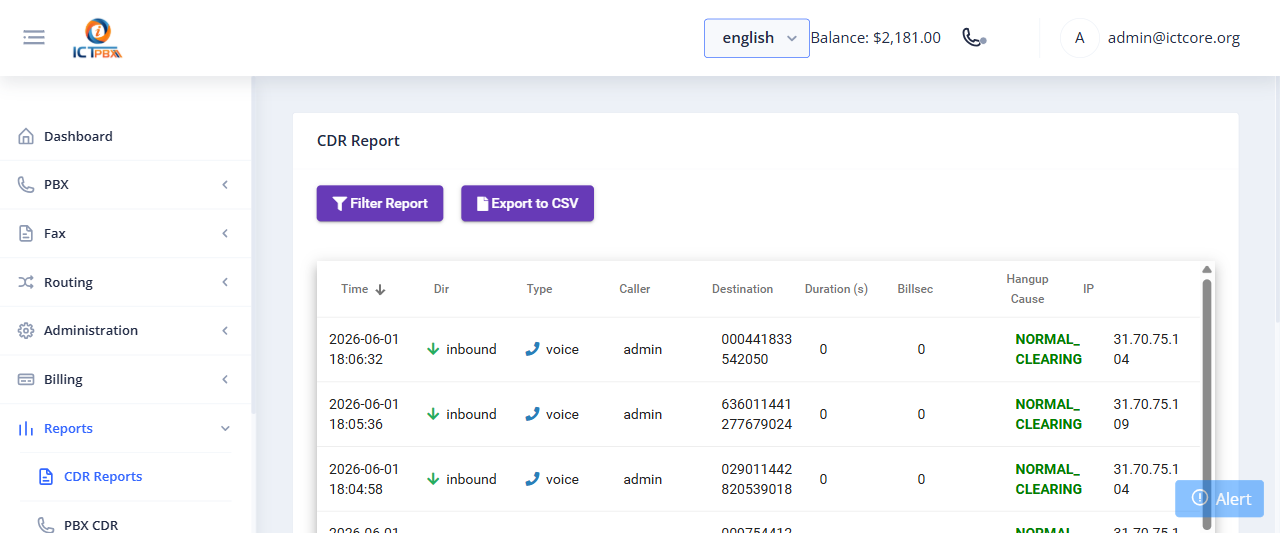
Accessing ICTCore CDR
- Go to Reports › ICTCore CDR
- Filter by date range, tenant, user, and service type (voice, fax)
- Click Search
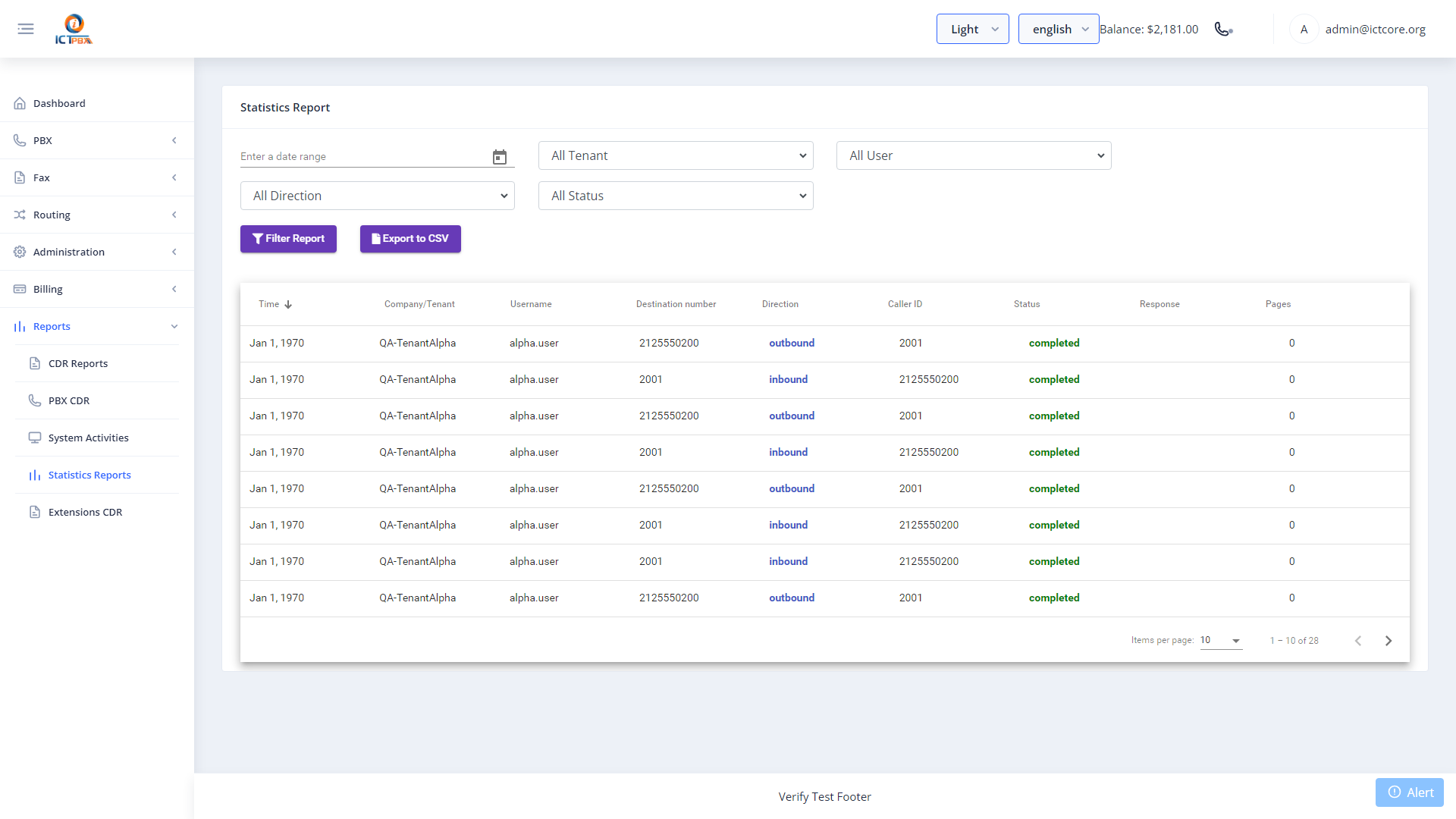
Statistics Report
The Statistics Report provides graphical summaries of call and fax volume over time. Use it to spot usage trends, identify peak hours, and compare activity across tenants.
Difference from PBX CDR
- PBX CDR – records from FusionPBX’s
v_xml_cdrtable, one record per FreeSWITCH call leg - ICTCore CDR – records from ICTCore’s API layer, covering fax jobs, API-initiated calls, and usage tracked for billing
For billing reconciliation, use ICTCore CDR. For technical call troubleshooting (hangup causes, codecs, recording links), use PBX CDR.
Related Features
- PBX CDR Reports – FreeSWITCH-level call records with codec and hangup cause
- Activity Log – portal action audit trail (not call records)