
Super AdminTenant Admin
Music on Hold lets you upload audio files that play to callers while they wait in a queue, are placed on hold, or are being transferred. You can create multiple MOH classes and assign different audio to different queues or ring groups.
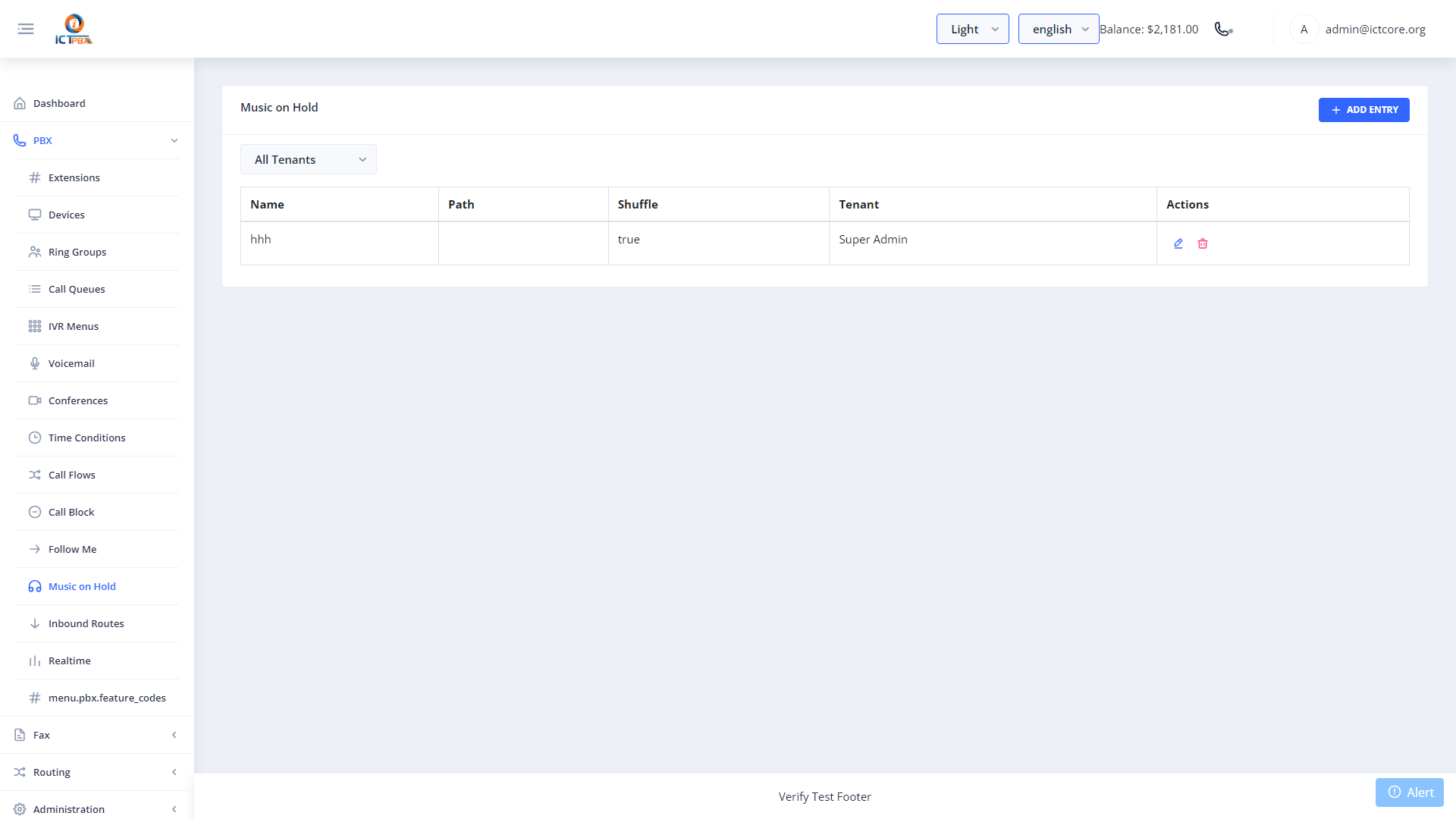
Uploading a New MOH File
- Go to PBX › Music on Hold
- Click Add Music on Hold
- Name the MOH class (e.g. “Default”, “Sales Queue”, “Holiday Mix”)
- Upload your audio file (WAV or MP3)
- Click Save
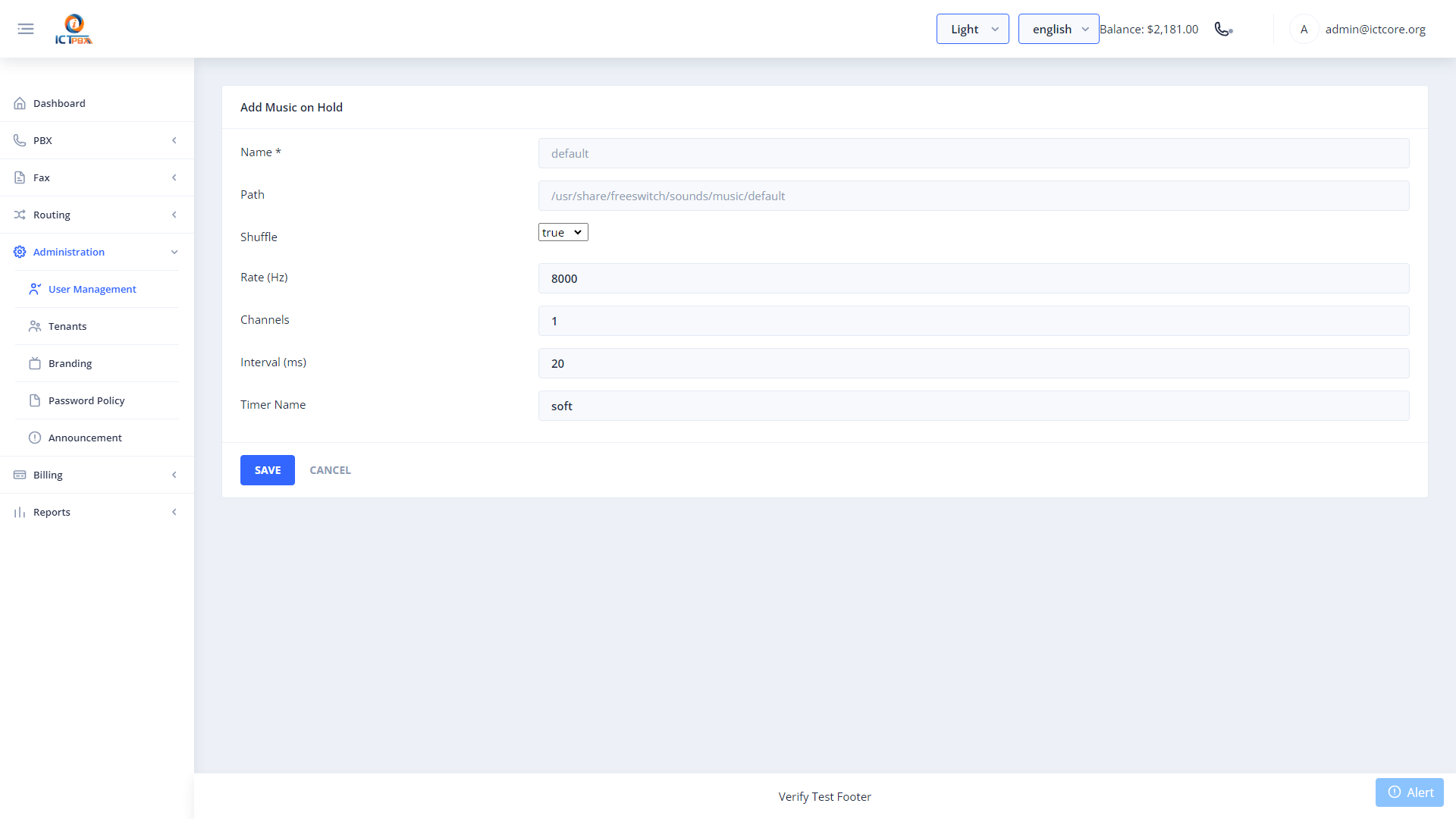
Audio files are stored on the FreeSWITCH server and streamed directly. Keep file sizes reasonable – large files can slow down provisioning.
Assigning to Queues
When creating or editing a call queue, you choose the MOH class from a dropdown. This lets you have different hold music for your sales queue versus your support queue.
Related Features
- Call Queues – assign an MOH class to a queue