
Super AdminTenant AdminAgentEnd User
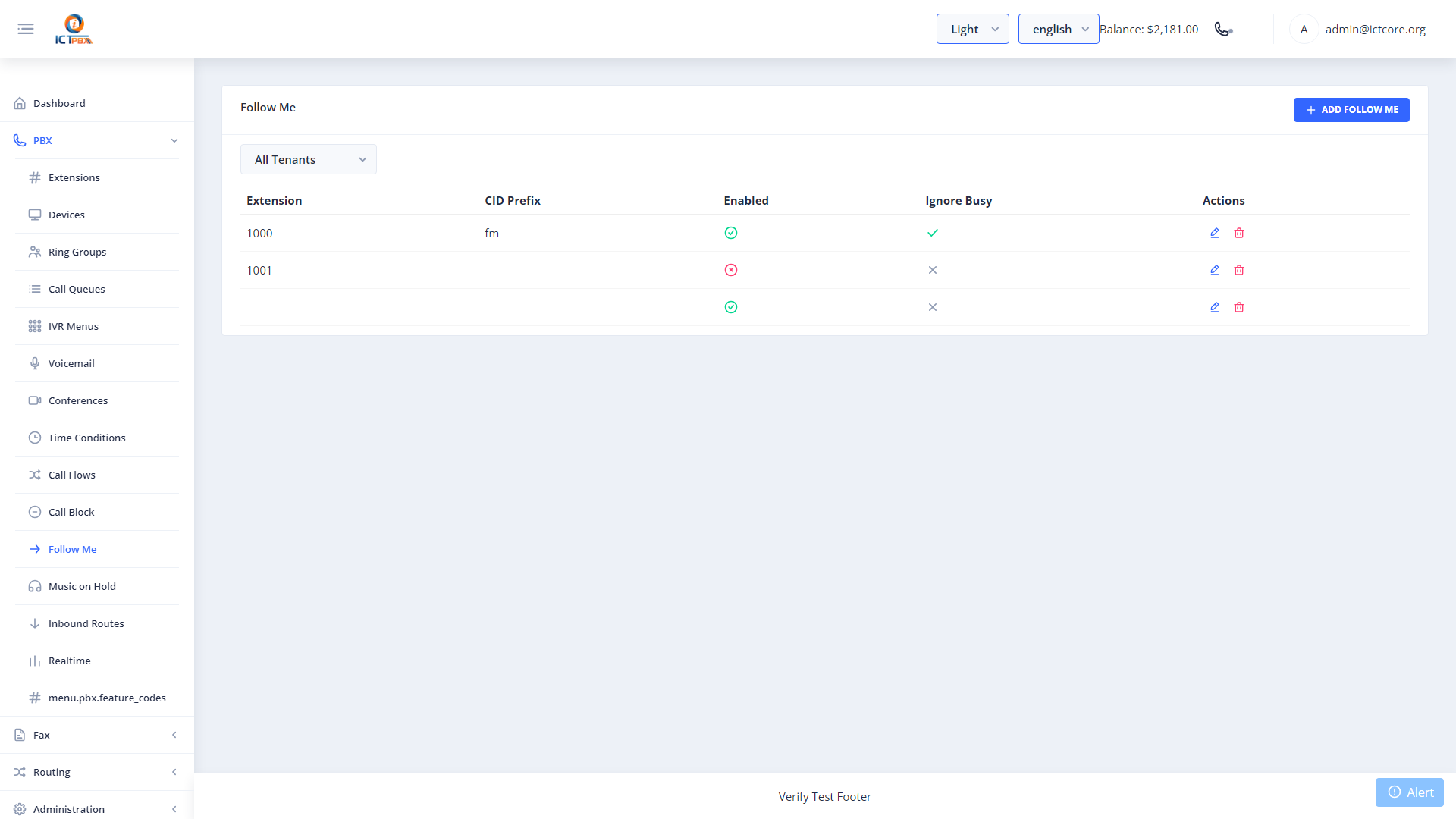
Follow Me lets you forward calls from your extension to one or more other numbers – including external mobile or landline numbers. Each destination has its own delay and timeout, so you can set up a true “find me, follow me” cascade that tries your desk phone first, then your mobile, then voicemail.
Setting Up Follow Me
- Go to Follow Me in the sidebar (or My Account › Follow Me for end users)
- Click Add Destination
- Enter the destination number (extension or external number)
- Set the delay in seconds (how long to wait before this number starts ringing)
- Set the timeout in seconds (how long to ring this number before moving on)
- Add more destinations to build a cascade
- Click Save
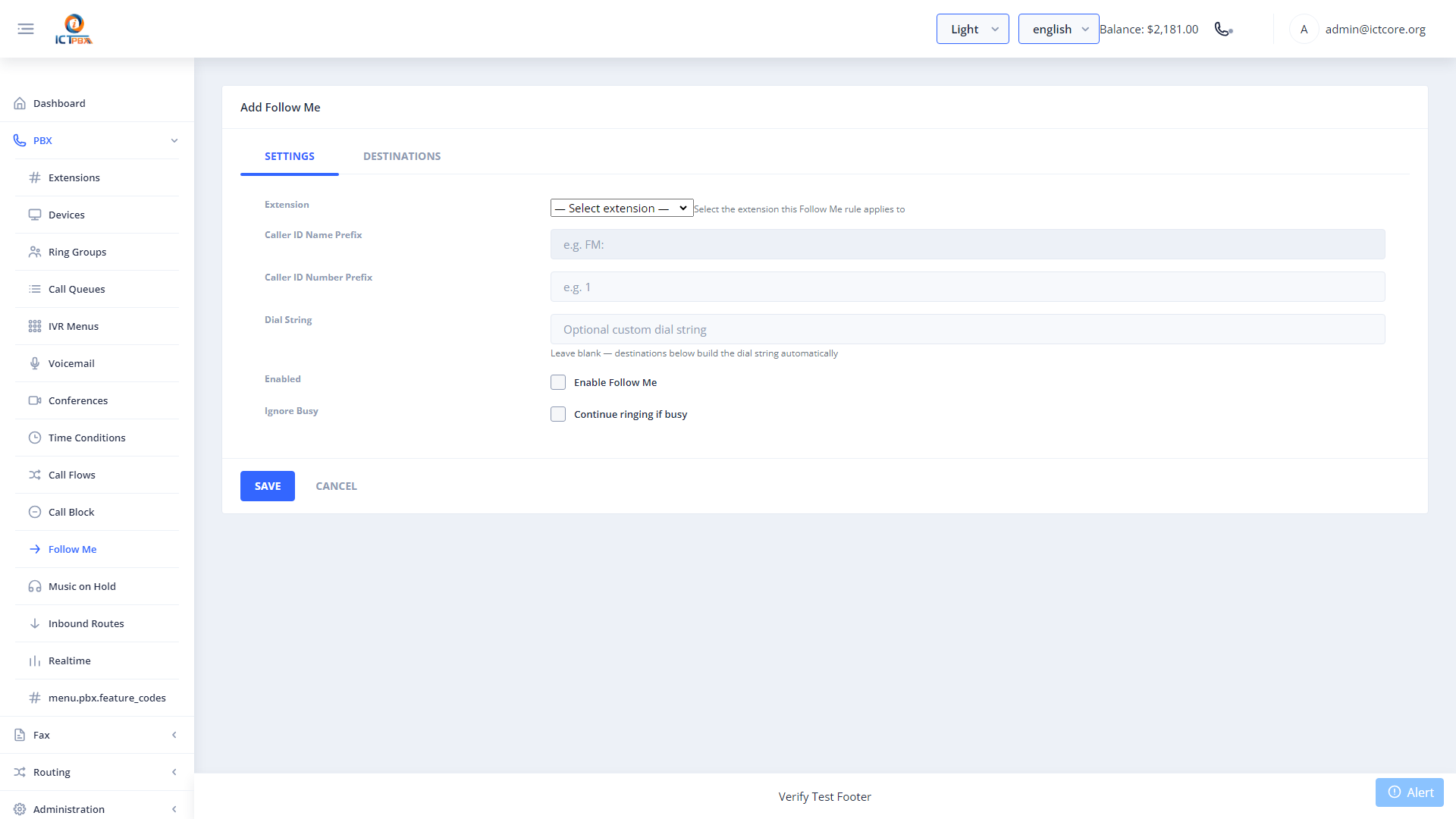
Set delay=0 and timeout=20 on your desk phone, then delay=20 and timeout=30 on your mobile. Your desk rings first; if you don’t answer in 20 seconds, your mobile starts ringing too.
Who Can Configure Follow Me
End Users and Agents can configure their own Follow Me rules directly from My Account without needing help from a Tenant Admin. Tenant Admins can manage Follow Me for any user in their tenant.
Related Features
- My Account – end users access Follow Me from here
- Feature Codes – some feature codes let you toggle call forwarding by phone