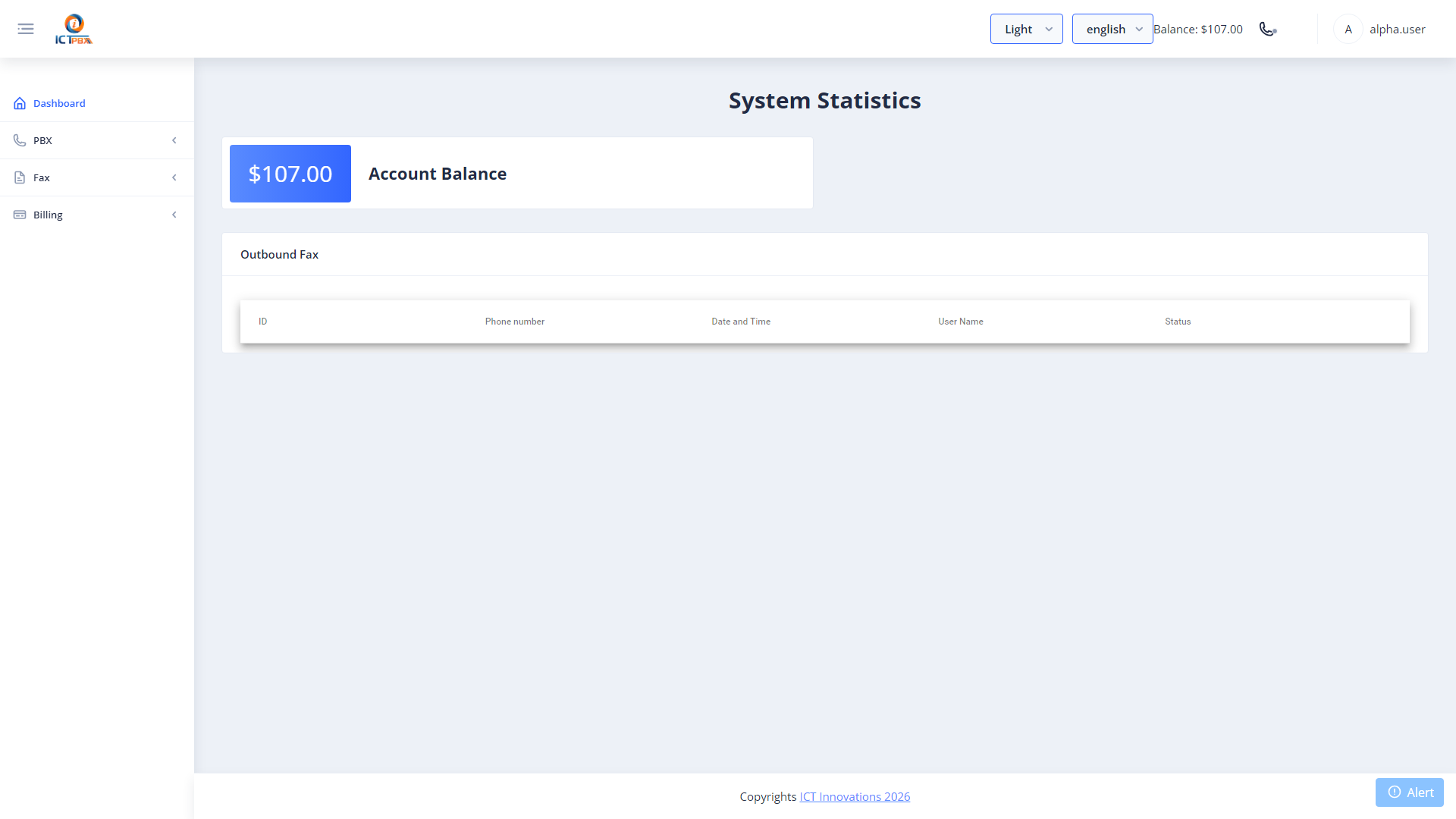
Super AdminTenant Admin
User Management lets you create and manage portal accounts for everyone who needs access to your ICTPBX tenant – Tenant Admins, Agents, and End Users. Each account gets a role assignment that controls exactly what that person can see and do in the portal.
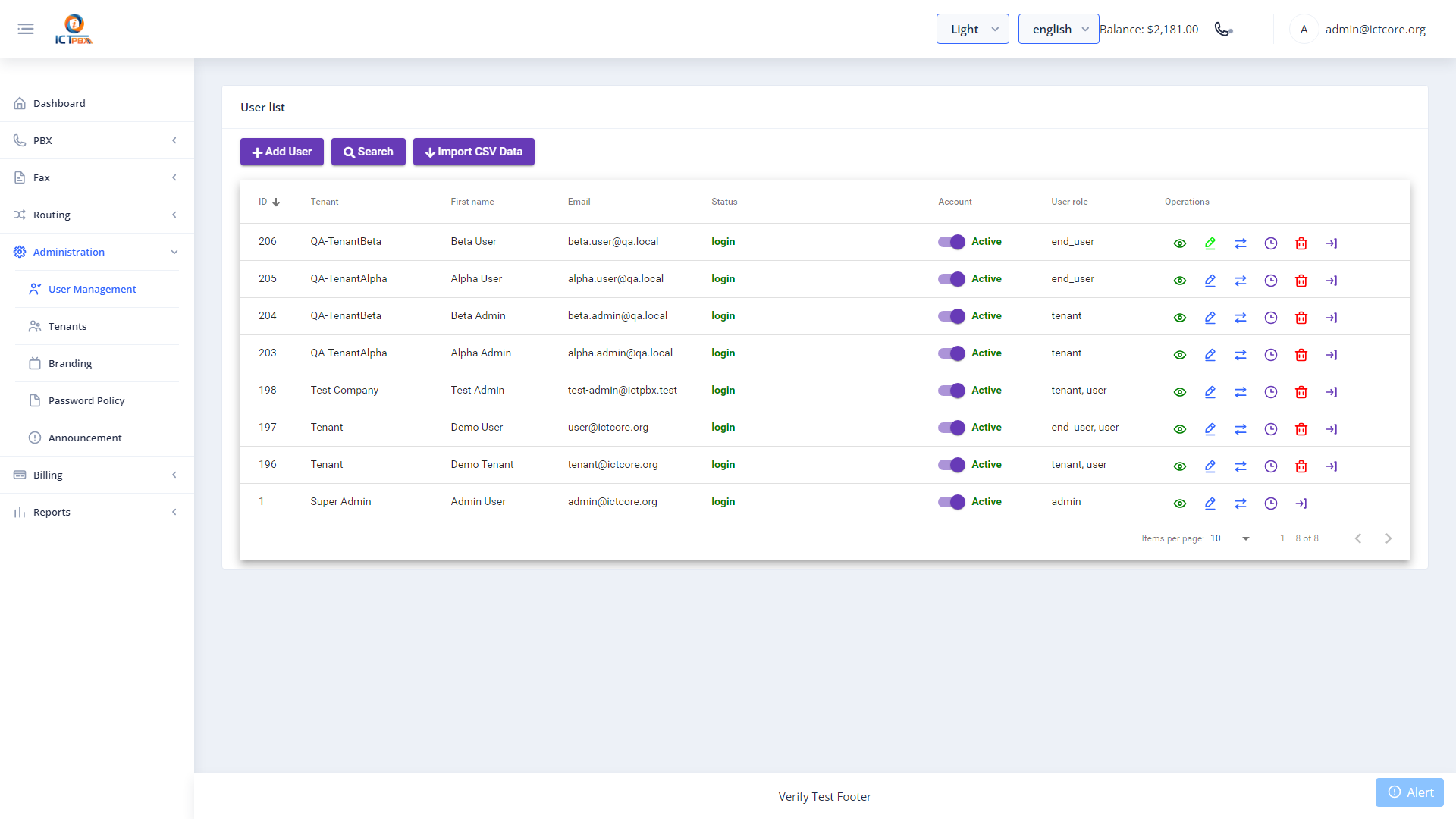
Adding a User
- Go to Users in the sidebar
- Click Add User
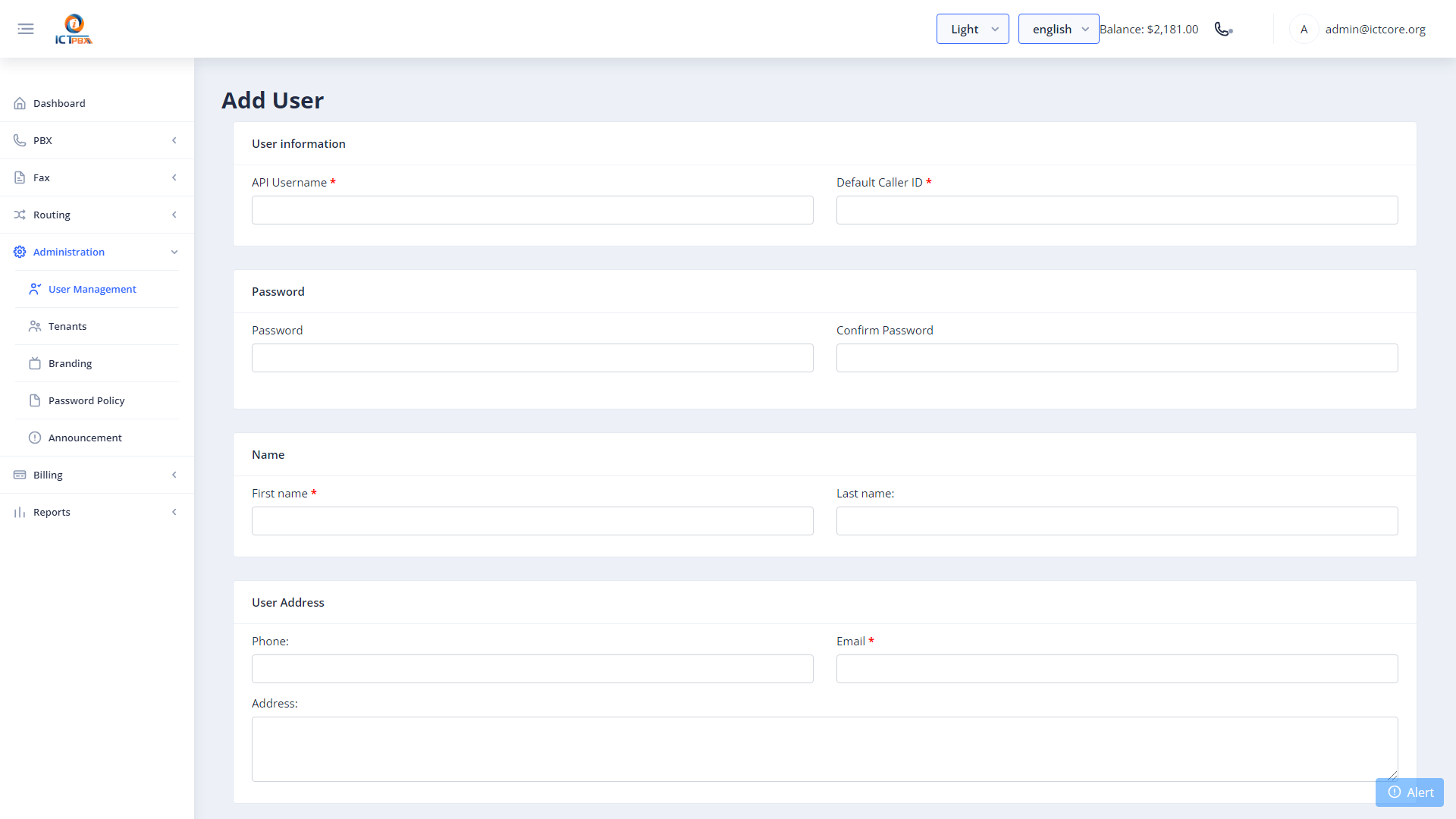
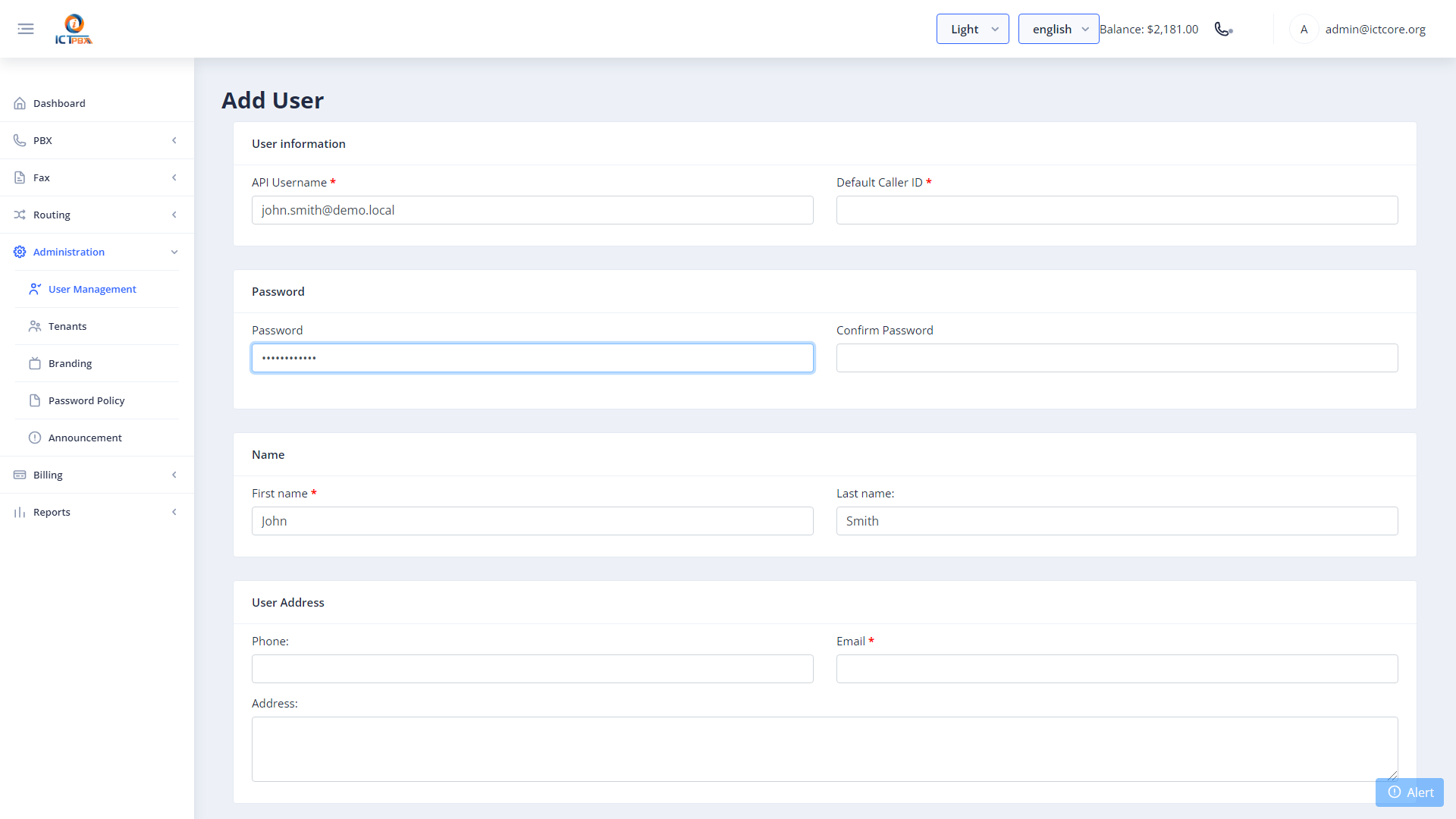
- Enter the username, email, password, and display name
- Select the role: Tenant Admin, Agent, or End User
- Click Save
Role Permissions
The role you assign determines the menu items and API access that user gets:
- Tenant Admin – full access to all PBX resources, CDR reports, user management, and billing quota within their tenant
- Agent – uses the built-in WebRTC softphone, manages their own extension settings, and views their call records
- End User – accesses My Account for SIP credentials, Follow Me, DND, fax delivery email, and billing quota view
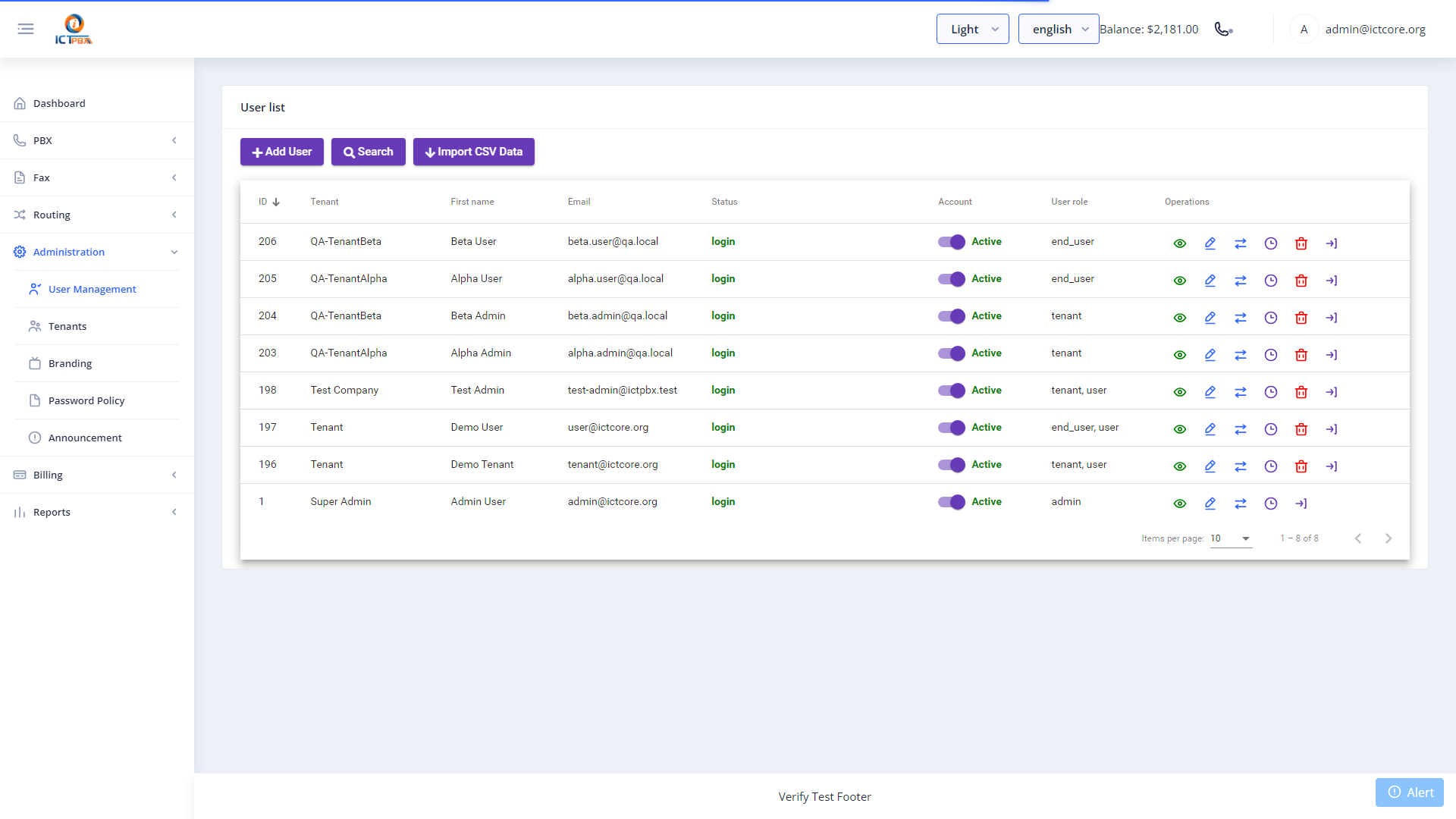
Editing and Deactivating
Click the edit icon next to any user to update their role, password, or display name. To temporarily block access without deleting the account, set their status to Inactive. Inactive users can’t log in but all their settings are preserved.
Permission Filtering
Beyond the four base roles, Super Admins can grant or restrict specific permissions for each Tenant Admin account. This lets you offer different capability tiers to different business customers on the same platform – one Tenant Admin might have access to CDR reports while another doesn’t.