
Super AdminTenant Admin
Call Block lets you define a list of phone numbers and patterns that get rejected before they can ring any extension. Blocked calls hit the FreeSWITCH dialplan and are terminated immediately – no phones ring, no voicemail, no hold music.
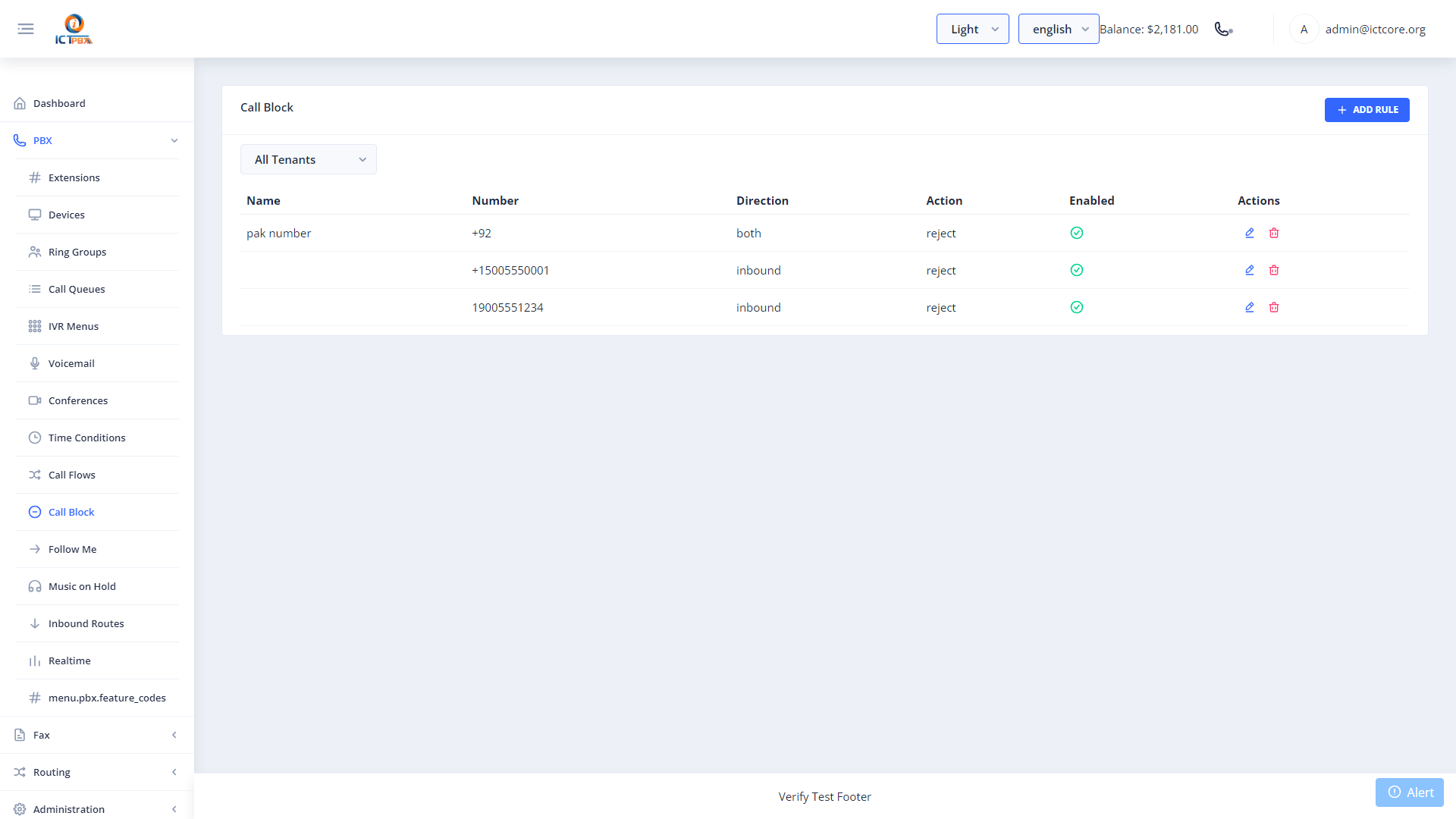
Adding a Blocked Number
- Go to PBX › Call Block
- Click Add Block Rule
- Enter the number or pattern to block
- Optionally add a description so you remember why it was blocked
- Click Save
You can use wildcards in patterns. For example, blocking
+44* would reject all calls from UK numbers.Common Use Cases
- Block known spam or robocall numbers
- Block international prefixes if your business doesn’t take international calls
- Block specific numbers that have been harassing your team