
1 — Overview #
What is ICTPBX? #
ICTPBX is a web-based management portal for:
- Fax — send, receive, and route faxes with email delivery
- PBX — manage extensions, devices, ring groups, IVR menus, call queues, voicemail, and more
- Administration — manage tenants (EE), users, permissions, and resource quotas
It connects a PHP REST API (ICTCore) to a FusionPBX / FreeSWITCH PBX engine, with all configuration changes applied to the live phone system in real time.
Roles #
| Role | Can do |
|---|---|
| Admin | Everything — manage all tenants, users, and system settings |
| Tenant Admin | Manage users within their own tenant; grant only permissions they hold; allocate quota within their tenant’s pool |
| End User | Use features they have been granted (send fax, check voicemail, etc.) |
Editions #
Enterprise Edition (EE) #
Multi-tenant. The Admin creates Tenants (organisations), then creates Users under each tenant. Each tenant has its own fax and PBX quota pool. Branding per tenant is supported.
Community Edition (CE) #
Single-tenant. There is one built-in tenant (tenant_id=1). The Admin creates Users directly. No billing, no branding configuration, no tenant management menu.
Logging In #
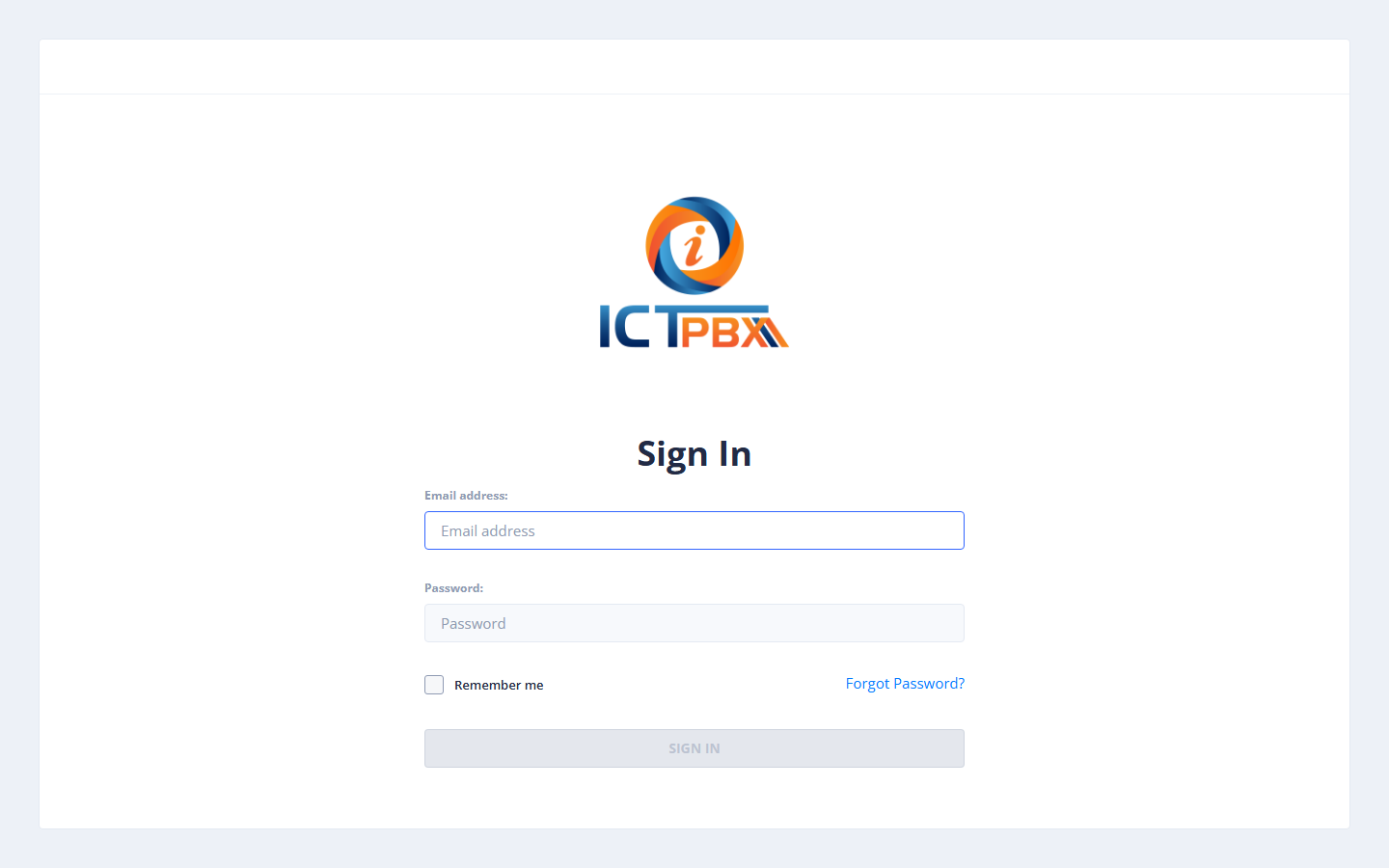
Navigate to your ICTPBX URL and enter your email and password.
After login you are taken to the Dashboard, which shows a summary of your activity.
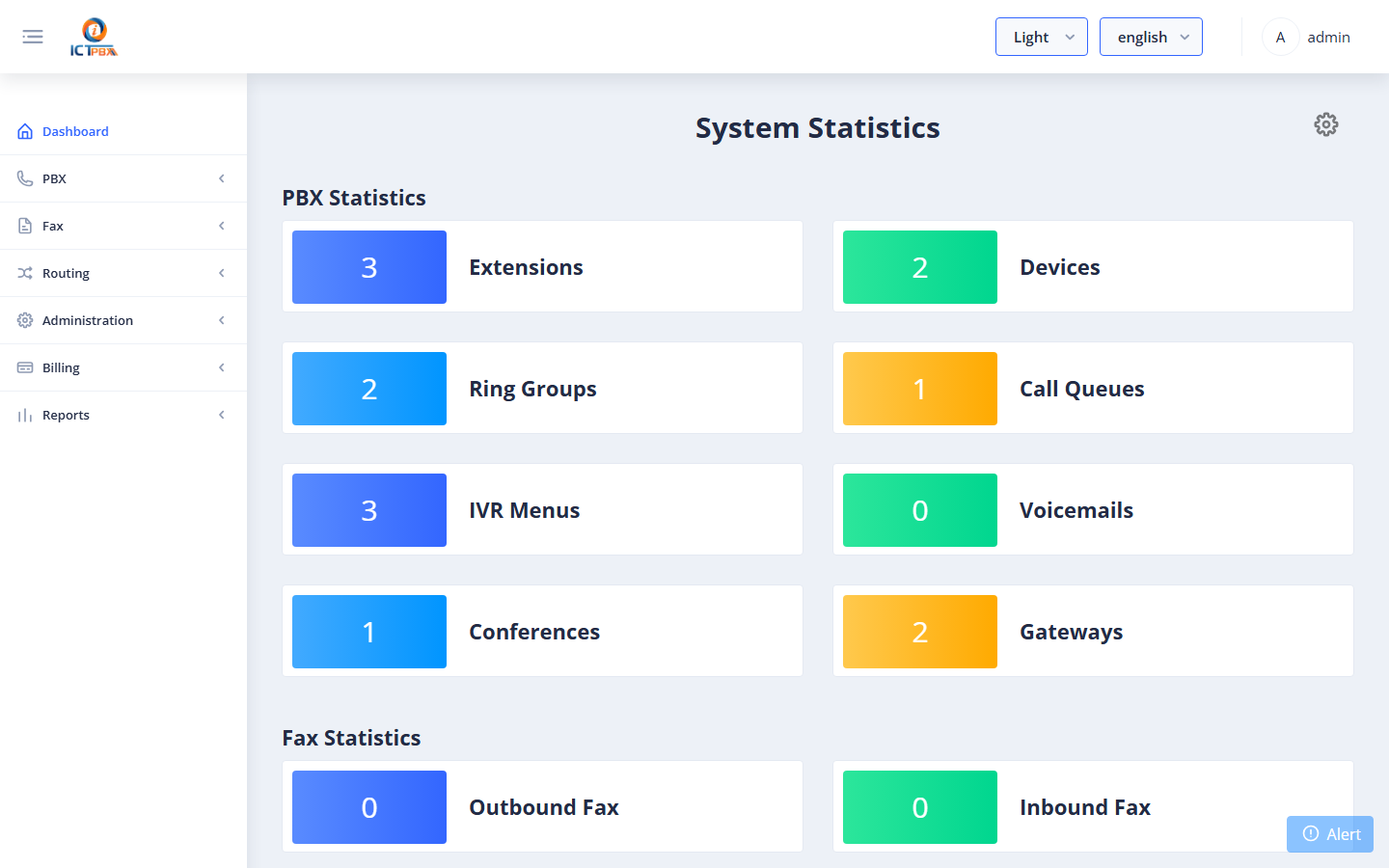
The left sidebar shows the menu items available to your role. Items you do not have permission for are automatically hidden.


