
Accessing ICTPBX
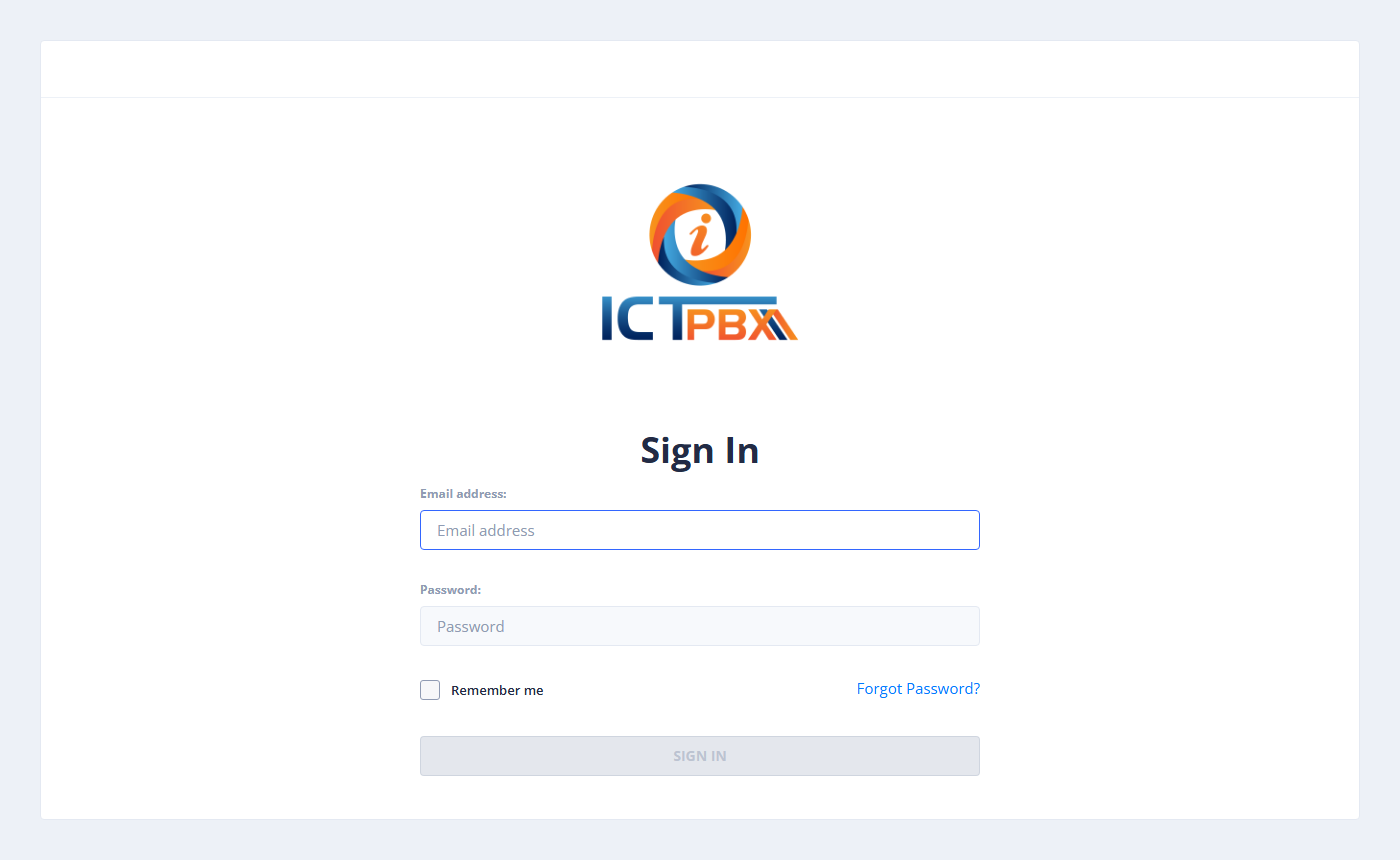
Open your web browser and navigate to your ICTPBX URL provided by your system administrator.
Credentials
Enter your email address and password, then click Sign In.
| Field | Description |
|---|---|
| Your registered email address | |
| Password | Your account password (case-sensitive) |
Tip: First Login
If this is your first login, use the credentials provided by your administrator. You will be prompted to change your password.
If this is your first login, use the credentials provided by your administrator. You will be prompted to change your password.
:::caution Locked Account
After multiple failed login attempts, your account may be locked. Contact your administrator to unlock it.
:::
Roles & Access
Your menu and available features depend on your role:
| Role | Access |
|---|---|
| System Admin | Full platform access — all tenants, billing, branding |
| Tenant Admin | Your organization only — PBX configuration, user management |
| End User | Limited — only features your admin has granted |